19
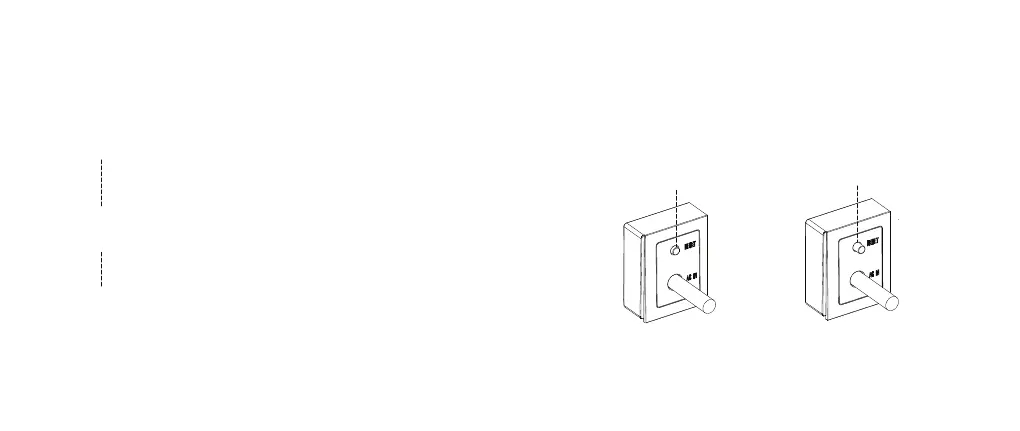
Button pressed:
OCP ON
Button released:
OCP OFF
Over Current Protection (OCP)
Push the button in to recover OCP
Push the RESET button manually to recover the OCP function, if successful,
the button will remain pushed. If the button cannot be pushed in it means short
circuit circumstances still exist; DO NOT push again before eliminating all short
circuit circumstances.
RESET Button will be released automatically when it detects an
over current circumstances on the system.
When a short circuit happens, the Studio automatically breaks the circuit to
protect your devices from further damage. In this scenario, the RESET
button will be released.
1
3
Disconnect all devices, diagnose, and eliminate short circuit
circumstances.
Disconnect all devices and identify and eliminate the cause of the
short circuit.
2


 To Next Page