© 2010 HID Global Corporation All rights reserved
Troubleshooting with the Error Message Table
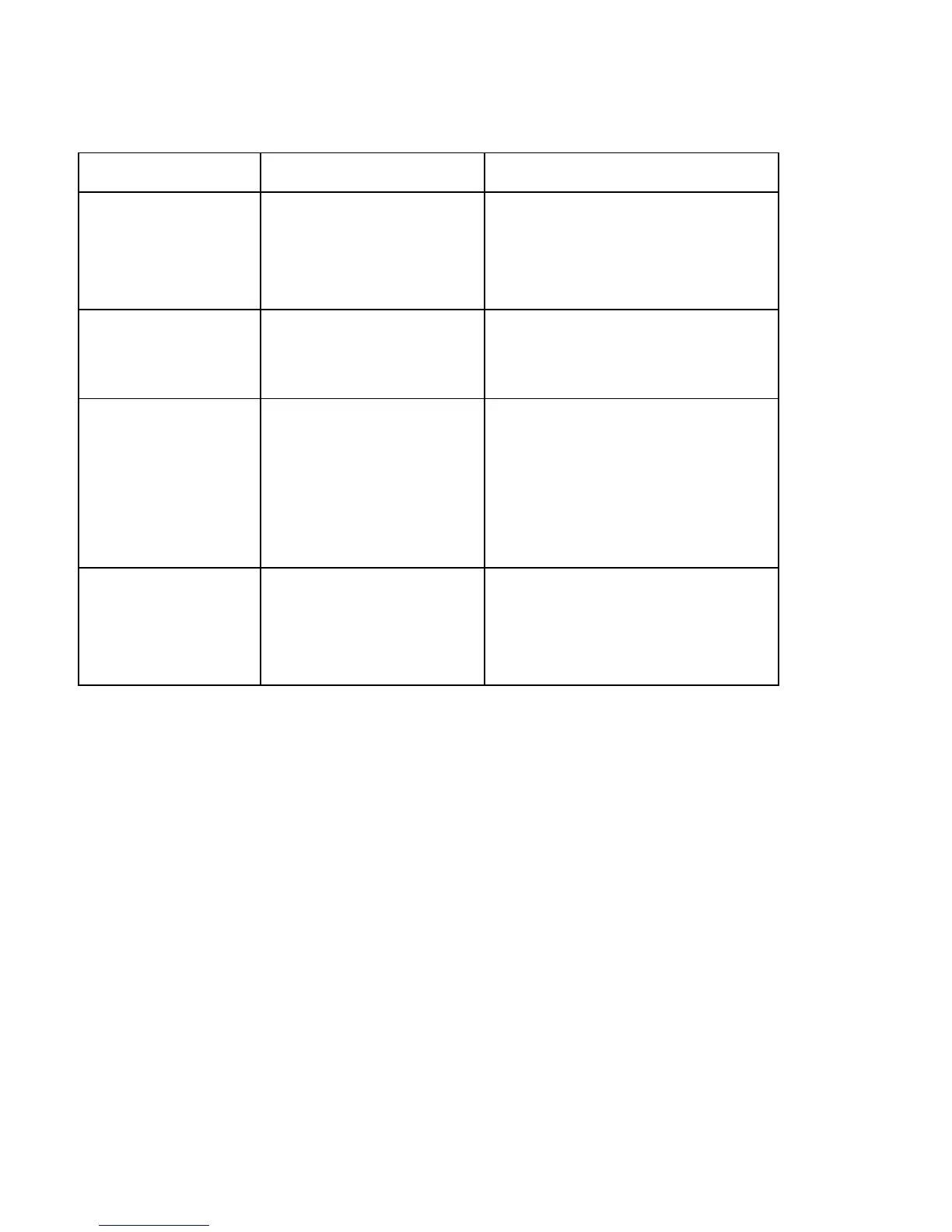
Error Message Cause Solution
# 136
Secure Guard Print
Disabled
|contextid=203
Printing is disabled by
SecureGuard until a
password is received.
Reset the Printer and retry.
• If the problem persists, call for
technical assistance.
# 139
Please Remove
Ribbon
Ribbon needs to be
removed.
Reset the Printer and retry.
• If problem persists, call for
technical assistance.
# 144
EEPROM Corrupt
EEPROM Read
Error
EEPROM restored with
factory default values.
• If changes were made in the
Advanced Setting Tab in the
Printer Driver, click the Default
button to reset these numbers.
• Reset the Printer and try again. If
this problem persists, call for
technical assistance.
# 170
Ribbon Calibration
failed
Ribbon calibration failed.
Check for material blocking sensor
and try again.
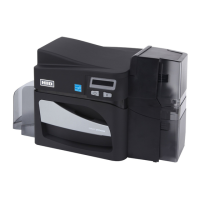
DTC4500 Card Printer/Encoder User Guide
91




 To Next Page