14
TEMPERATURE MEASUREMENT
The processor’s temperature sensor is located on the side of the enclosure. The temperature
sensor does not respond immediately to thermal changes. To assure accurate ambient tem-
perature measurements, the output cable end should be le in the ng environment for
at least 15 minutes. Direct exposure to sun light and other heat sources will adversely aect
accuracy.
TEMPERATURE COMPENSATION
When using the Highland Electrofusion Processors in Barcode Fusion Mode or Manual Barcode
Mode, to fuse ngs that require temperature compensaon it is essenal that care be given
to ensure that the correct inial fusion temperature is measured. The processor will automat-
ically adjust the fusion me per the measured temperature as specied by the fusion parame-
ters.
THE PROCESSOR WILL NOT AUTOMATICALLY COMPENSATE FUSION TIME IN MANUAL MODE
USING THE EQUIPMENT – BARCODE WELDING
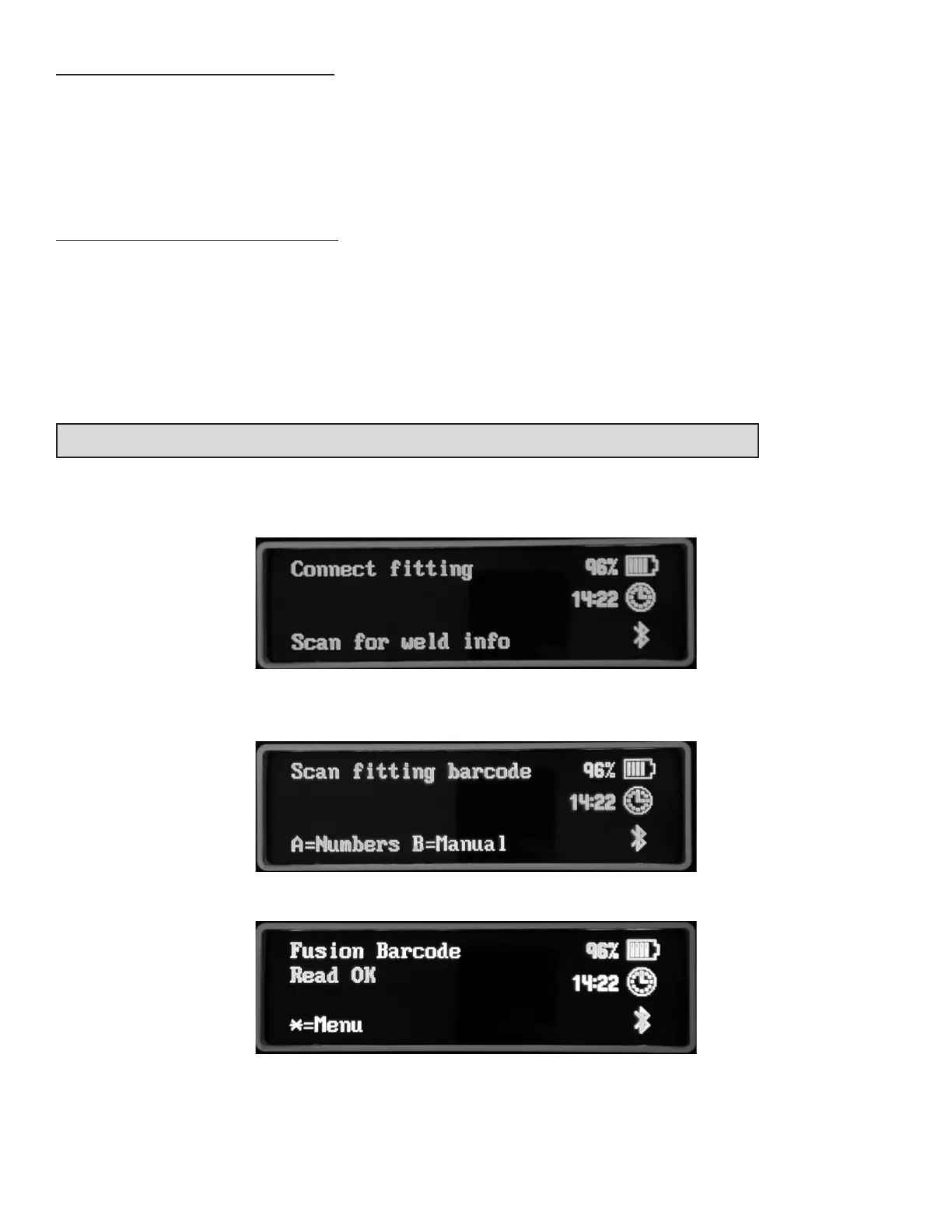
Make sure that a barcode scanner/dongle is aached to the USB port.
Connect the output leads to the ng.
Scan the barcode on the ng. If this doesn’t read, then the numbers can be entered by press-
ing the A key.
When the barcode is read correctly this screen is shown.



 To Next Page