22
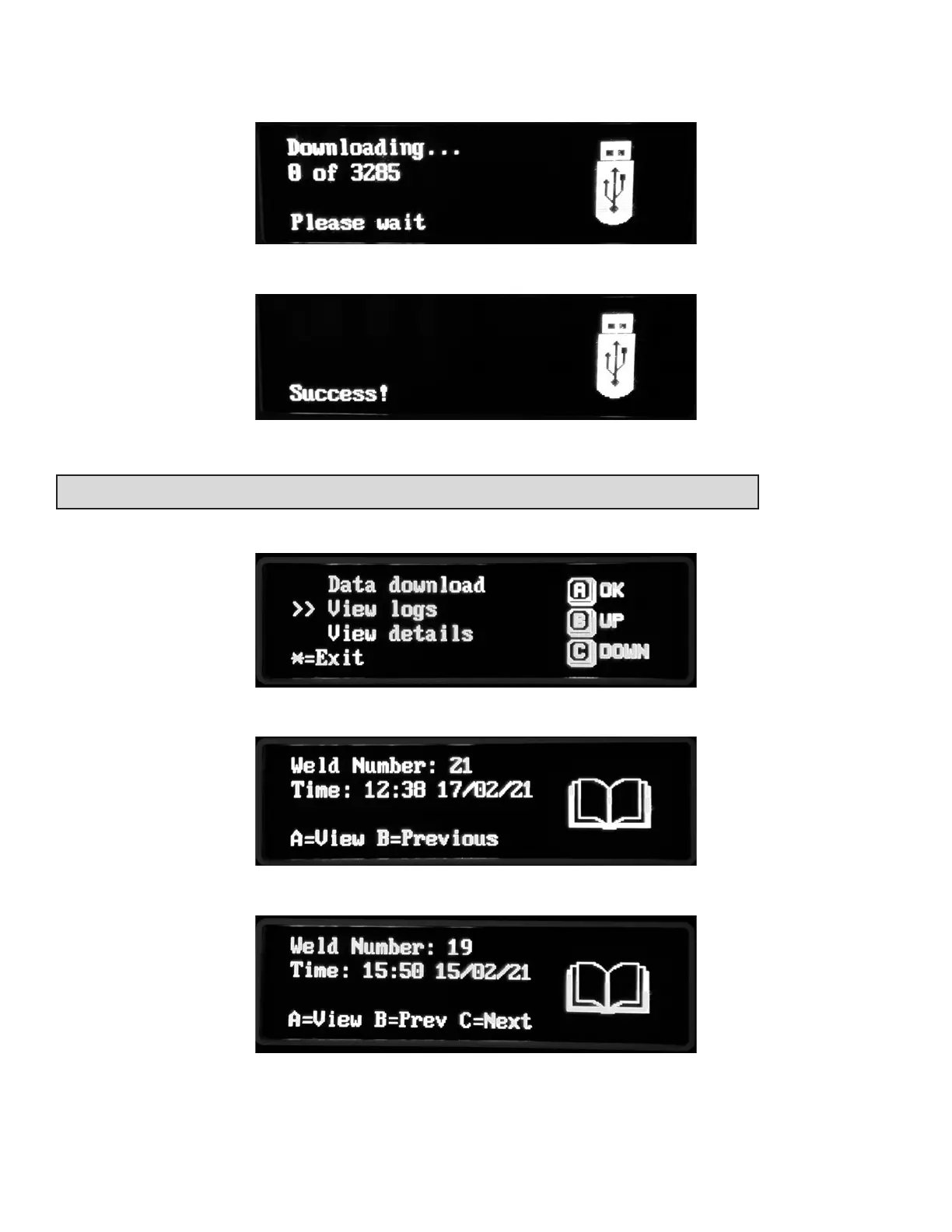
The screen will show the progress of the downloads.
When Success is shown, remove the memory drive from the socket.
USING THE EQUIPMENT – VIEW LOGS
Select view logs from the menu.
Details of stored welds are shown. Press the A key to view the details.
Press the B and C keys to scroll between stored welds.



 To Next Page