12
USING THE EQUIPMENT – SCREEN SYMBOLS
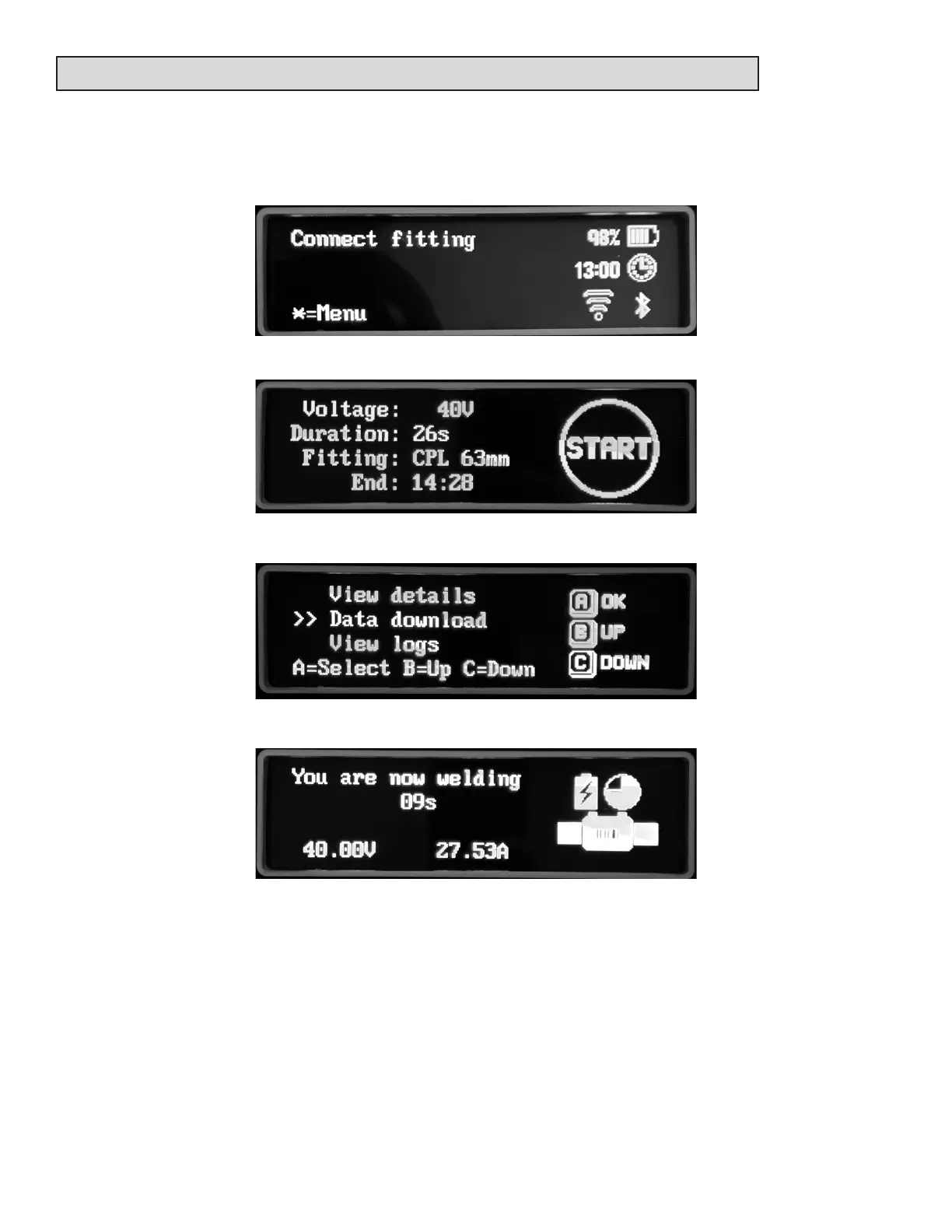
The le-hand side of the screen shows prompts to the operator for the next steps that need to
be taken, in this example, connect the welding cord to the ng or press the star key for the
menu. The right-hand side shows informaon icons. In this example the baery is at 98%, the
me is 13:00, the GSM radio is disconnected (if ed) and the Blue Tooth is disconnected.
The right-hand side can also show symbols such as press the Start buon:
In this example buons A, B or C can be pressed:
This shows the ng welding icon:



 To Next Page