20
USING THE EQUIPMENT – CHECKING BATTERY CAPACITY
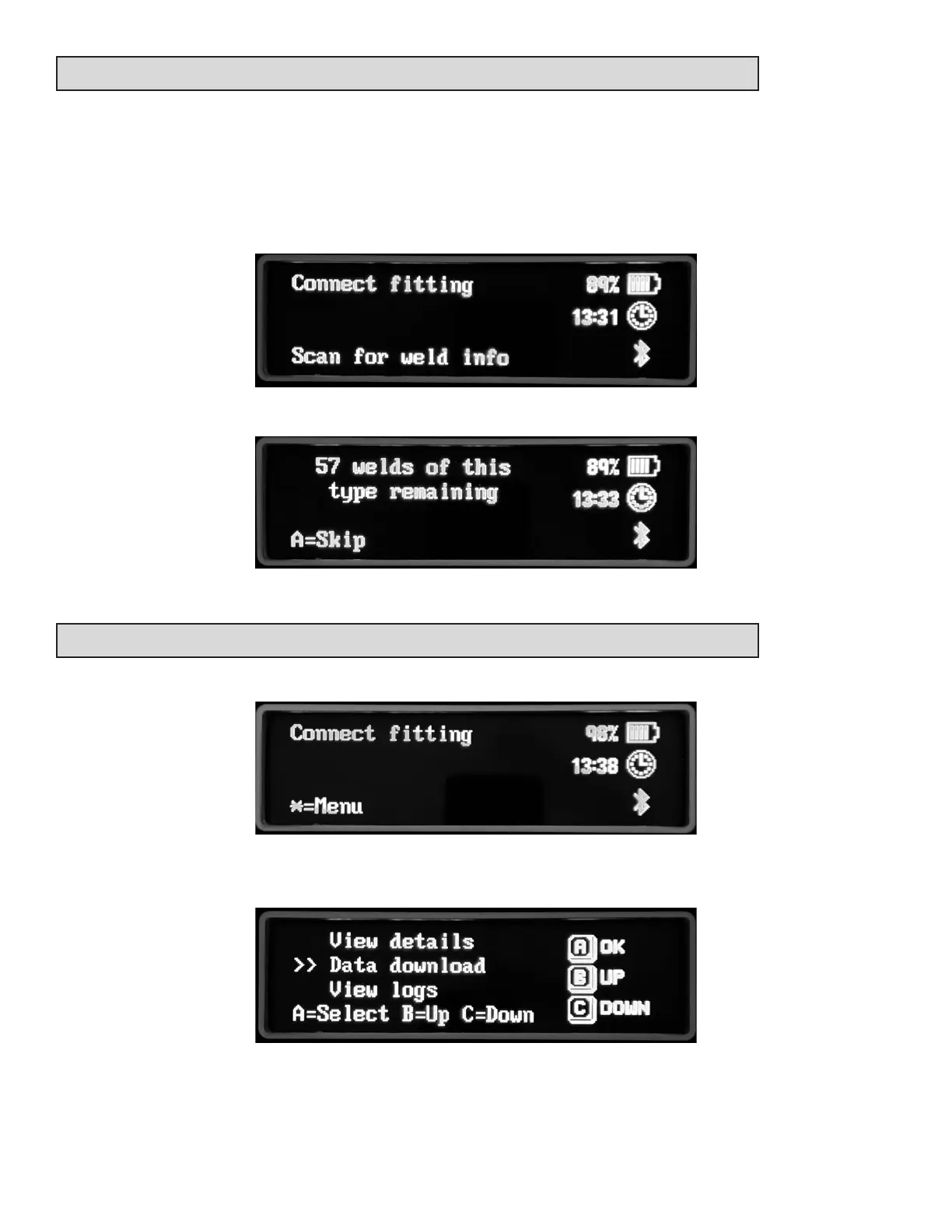
If you want to know what capacity the baery has or if you can fuse a specic ng, scan the
ng barcode and the required energy will be checked from a lookup table held in memory.
When the screen shows connect ng, with no ng aached to the output leads, scan the
ng barcode.
The capacity for this type of ng is shown.
USING THE EQUIPMENT – MAIN MENU
When the screen shows, press the star key to enter the main menu.
Three opons are shown on the screen. Use the B and C keys to select the required opon
then press A.



 To Next Page