33
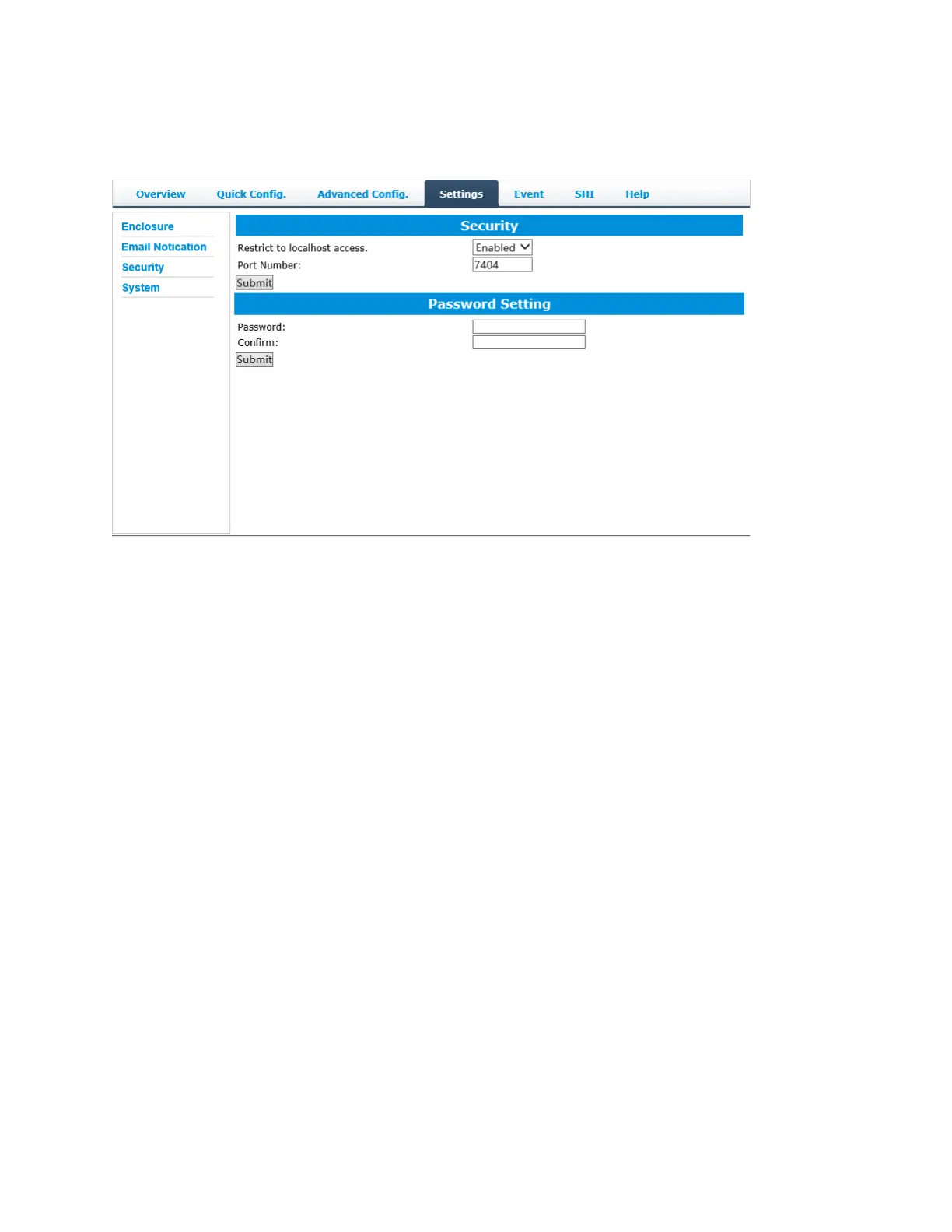
Security
This section allows you to change the log-in password, Port Number and enable or disable localhost
access.
Password Setting
To change your password type your new password, confirm it, and then click Submit.
Note: if you are locked out of the rDrive Manager and do not remember your password, do the
following
Mac: We recommend uninstalling rDrive Manager, then reinstalling. This will remove the
password requirement and allow you create a new one under the Setting tab.
Windows: In file explorer, go to \C\Windows\hptuser.dat and delete the file


 To Next Page