13
Trouble shooting
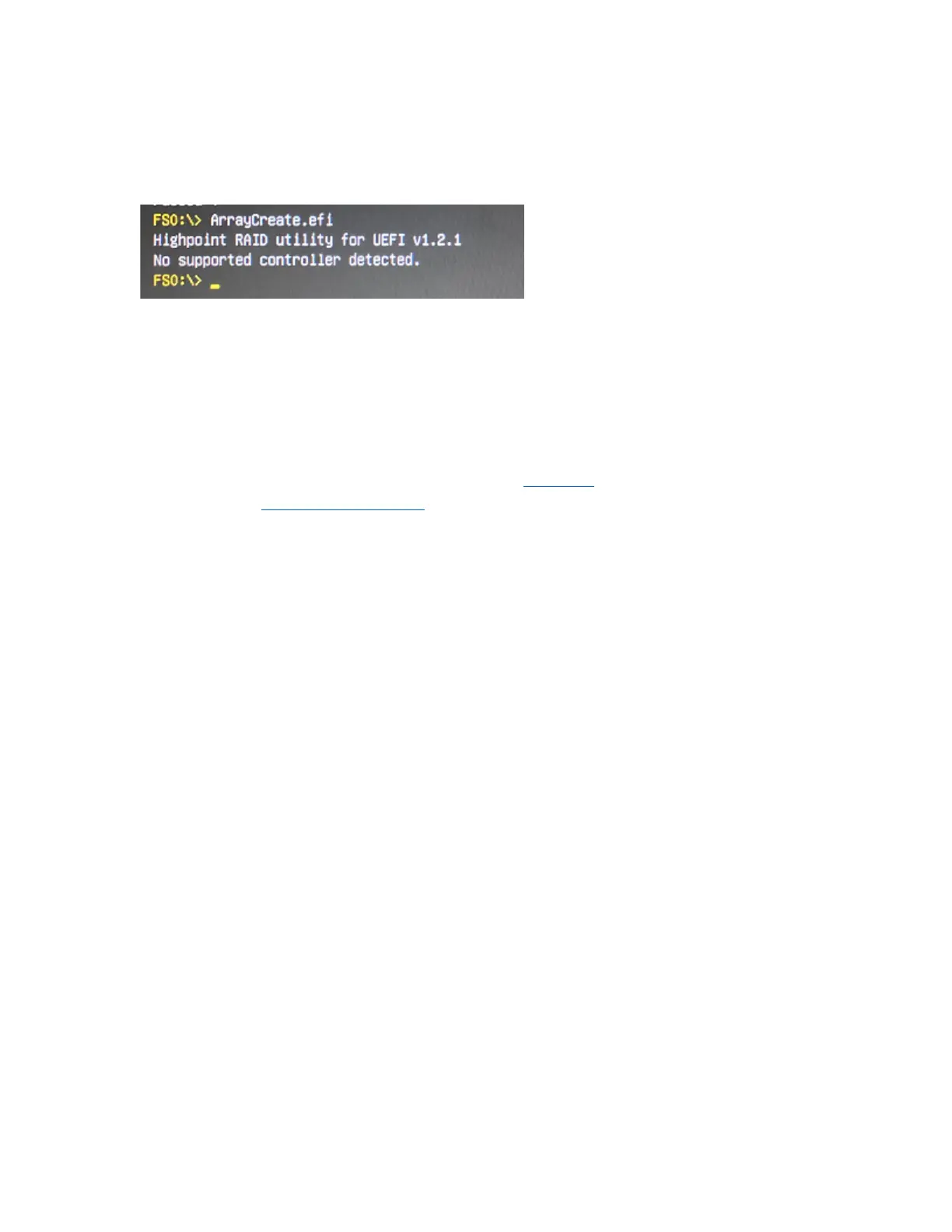
Command error in UEFI
In the UEFI environment, run the command prompt "No supported controller detected"
Solution
:
a. Check whether the Storage option ROM is Enabled in the motherboard BIOS.
b. Replace the motherboard slot, enter the UEFI environment and re-enter the
command.
If none of the above methods work, please provide UEFI log. You can submit a support
ticket using our Online Support Portal, include a description of the problem in as much
detail as possible.















 To Next Page