9
Step 4 - Install Windows
a. Insert the Windows install DVD in your optical drive (DVD/Blu-ray, etc.) and then
reboot your system.
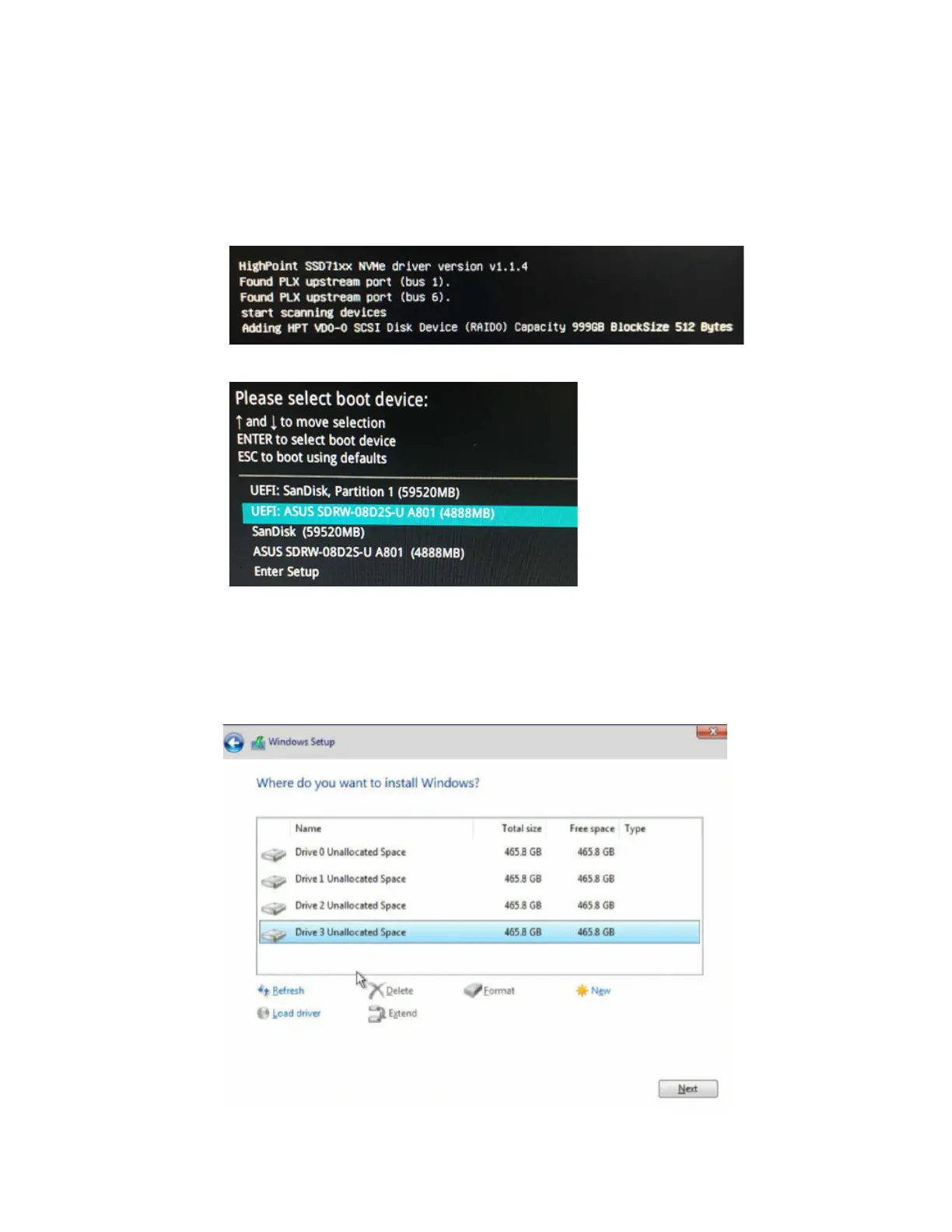
b. The following RAID information should be displayed by the motherboard BIOS post
screen:
c. Enter the Boot list, and select start from UEFI DVD:
d. Install Windows, to “Where do you want to install Windows?”, you should see
several Legacy disks available (one for each SSD you have installed into the
SSD7202/SSD7103/SSD7505/SSD7540 controller).
Note: The screenshot below shows 4 SSD’s that have been installed into a SSD7103
controller:















 To Next Page