6
How to install Windows to the SSD7202/SSD7103/SSD7505
/SSD7540 RAID Controller
Note: The following installation process uses the SSD7103 as an example
Step 1 - Preparing the USB Flash Drive
When preparing the USB flash dive, make sure to format the USB partition as FAT32. If another
file system is used, the USB drive may not be properly recognized, and will not appear as an
option under the motherboard’s UEFI BIOS menus.
Step 2 - Preparing the UEFI Package
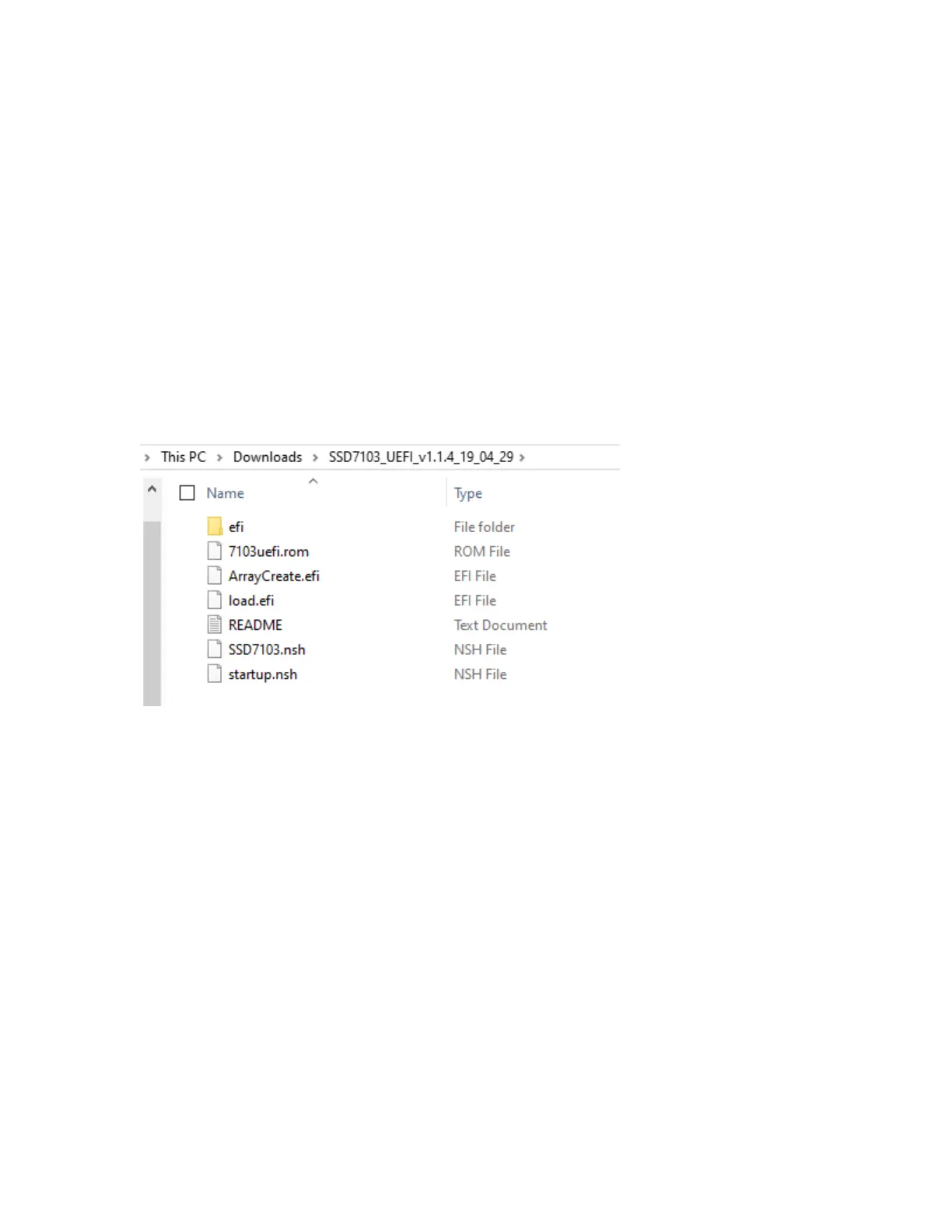
The package must be unzipped directly to the root of the bootable USB flash drive (do not extract
the contents to a new folder). All of the following items must be present in the root of the USB
flash drive:
For example (SSD7103)
Note: If the above content is not present in the root directory, the UEFI boot device will not be
properly recognized, and/or you will be unable to create an array for OS installation.















 To Next Page