HighPoint NVMe Boot RAID Windows Installation Guide
10
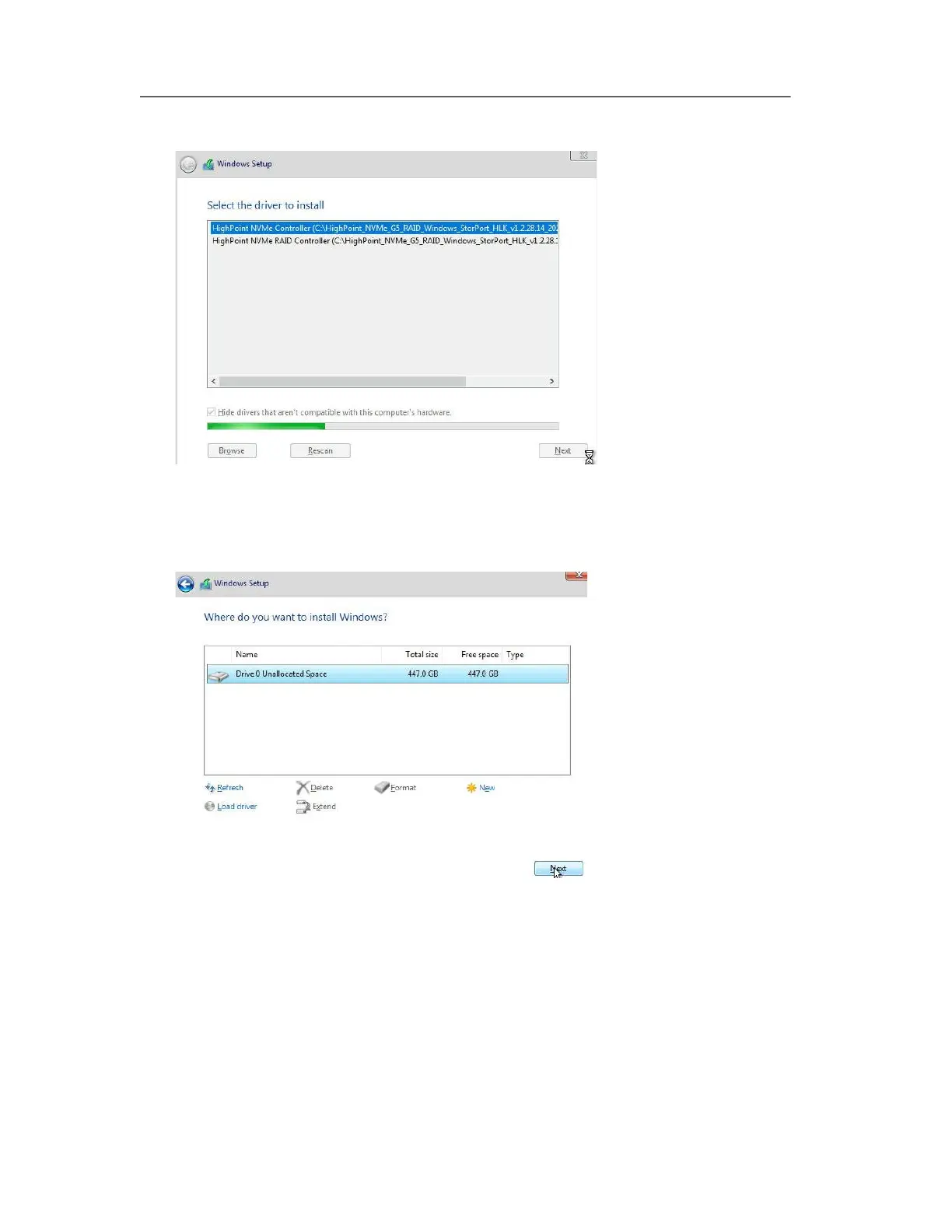
e. Next, insert a USB flash drive that contains the NVMe product driver into the motherboard
USB slot and click “Browse”. Select the driver file as shown:
Note: The driver revision shown in the screenshots may not correspond with current
software releases. Please make sure to download the latest driver from the product’s
Software Updates page.
f. After loading the driver, return to the “Where do you want to install Windows?” interface.
The previous Legacy disks will now be recognized as a RAID array:
g. After partitioning, continue and complete the Windows installation procedure.















 To Next Page