Digital Series Light Controller User Manual
16
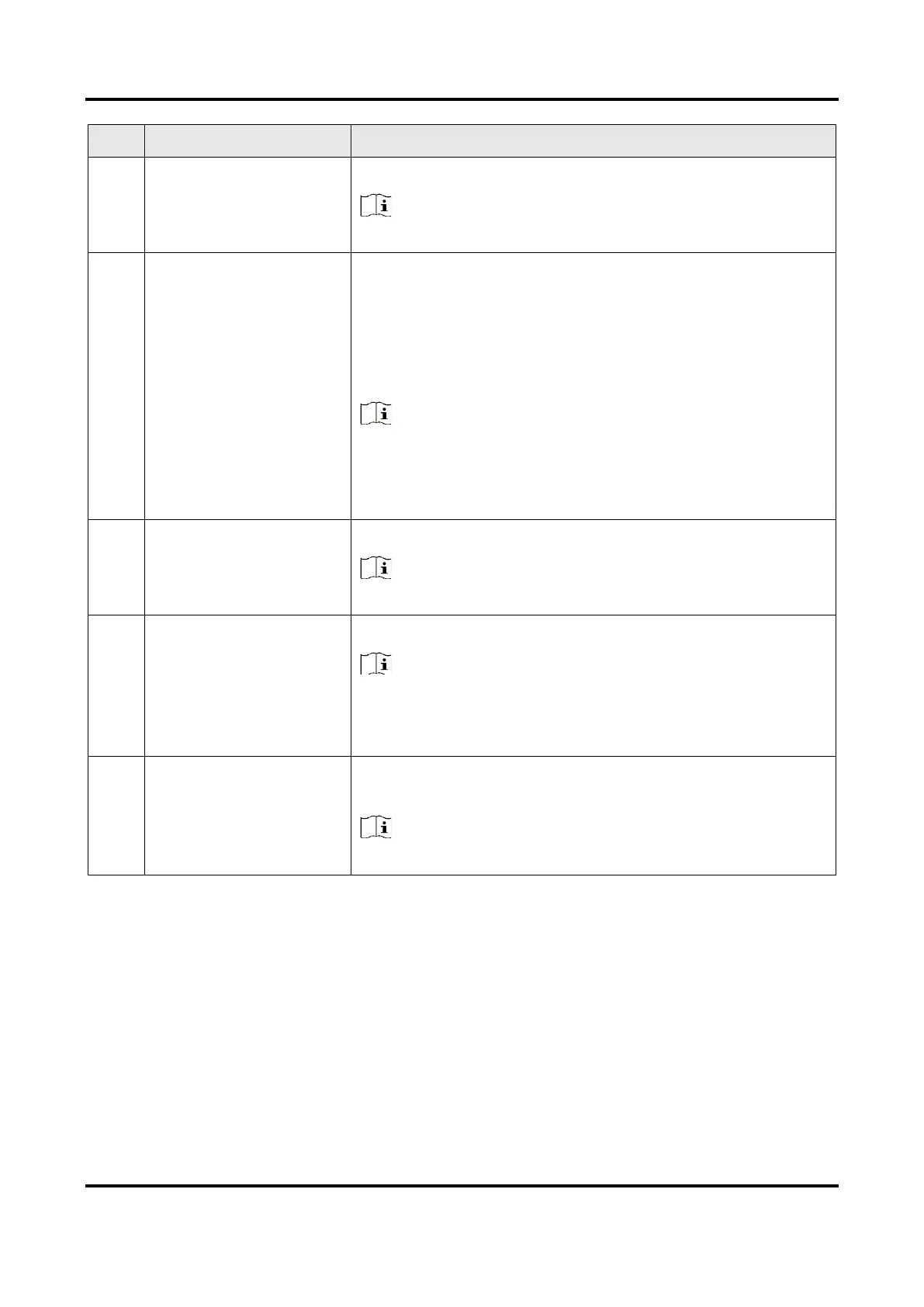
It is fast Ethernet providing data transmission function.
Note
Some device models do not have a network interface.
It refers to light source indicators corresponding to light
source interfaces.
●
The indicator is solid green when the device’s work
mode is solid.
●
The indicator is flashing green when the device’s work
mode is trigger mode.
Note
●
The type I device has four light source indicators.
●
The type II, IV, V and VI devices have two light source
indicators.
●
The type III device has six light source indicators.
It is used to power on or off the device.
Note
Some device models do not have a power switch.
It is used to connect the power cord to power the device.
Note
Do not replace the fuse in power interface by yourself if it
is damaged. If necessary, contact technical support for
help.
It is used to ground the device in case of electricity
leakage.
Note
Only type V device supports grounding.
5.2 Display Screen
The display screen displays the channel of external light source and the corresponding
brightness value, as shown below. The 1st digit stands for the current device’s light source
interface, and 2nd to 4th digits stand for the light source’s brightness value.



 To Next Page