Digital Series Light Controller User Manual
29
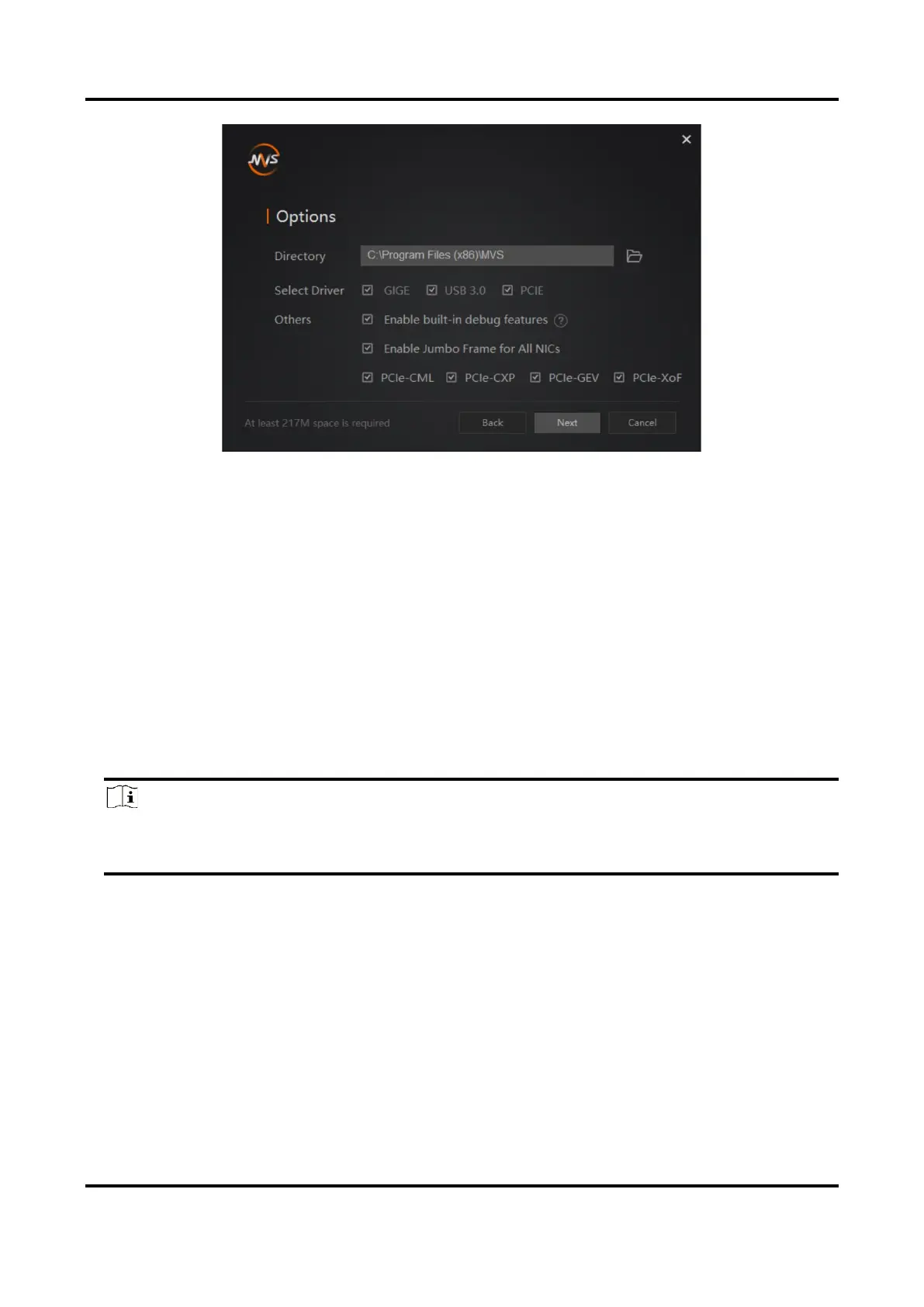
Figure 6-2 Default Settings
5. Keep default settings, and click Next.
6. Finish the installation according to the interface prompts.
6.2 Set PC Environment
To ensure stable client running and data transmission, you are recommended to set PC
environment.
6.2.1 Turn off Firewall
Steps
Note
For different Windows versions, the path name or interface may differ. Please refer to the
actual condition.
1. Go to Windows Firewall.
●
Windows XP system: Click Start → Control Panel → Security Center → Windows
Firewall.
●
Windows 7 system: Click Start → Control Panel → Windows Firewall.
●
Windows 10 system: Click Start → Control Panel → System and Security → Windows
Defender Firewall.
2. Click Turn Windows Defender Firewall on or off on the left.
3. Select Turn off Windows Defender Firewall (not recommended).



 To Next Page