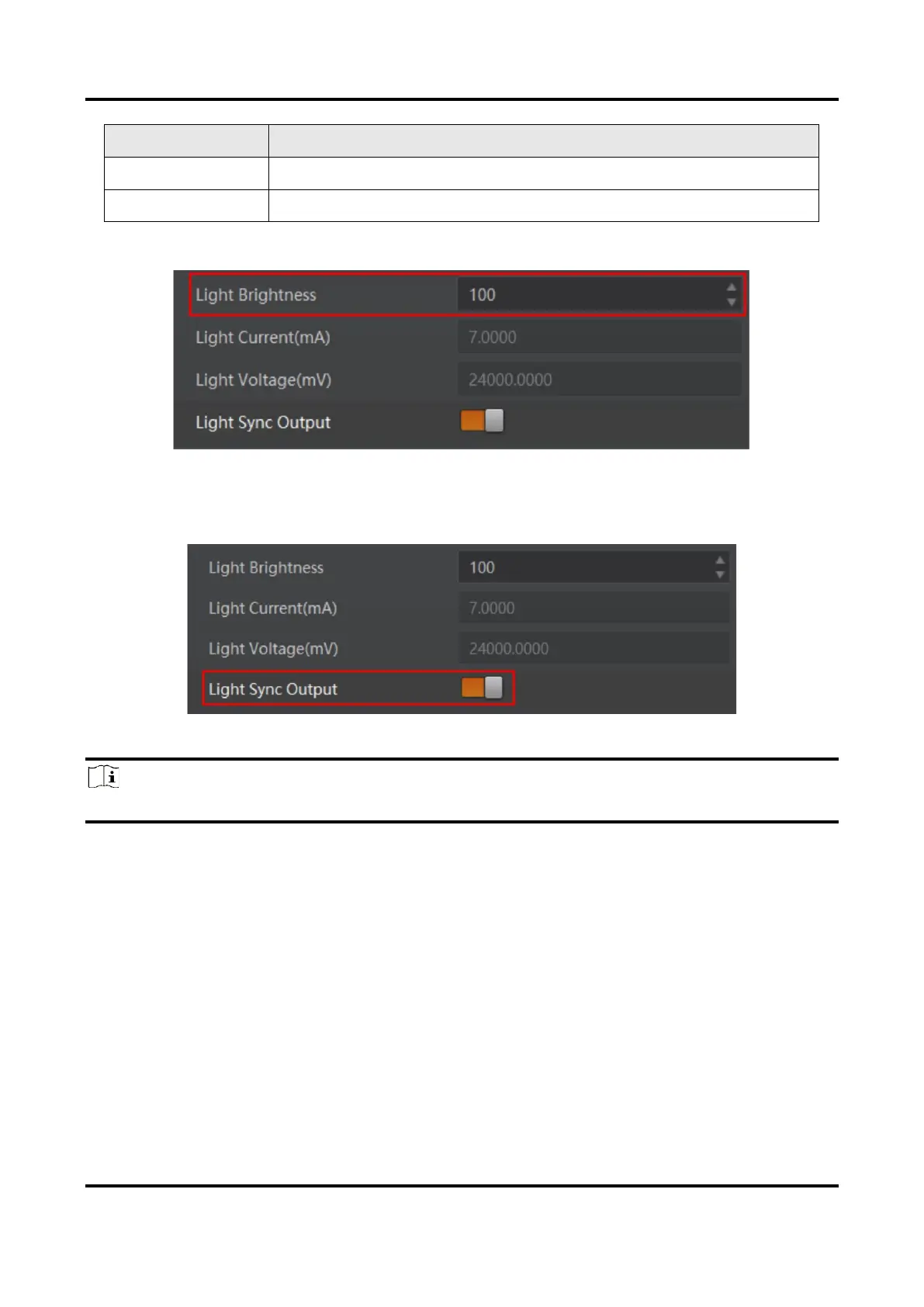
3. Set Light Brightness ranging from 0 to 255.
Figure 6-10 Set Light Brightness
4. (Optional) Enable Light Sync Output to let the settings of one light source apply to other
light source channels.
Figure 6-11 Enable Light Sync Output
Note
The parameter of Light Sync Output may differ by device models.
6.6 Set Digital IO Control
The device provides four configurable input signals (In 1 to In 4) and four configurable
output signals (Out 1 to Out 4). You can go to Digital IO Control to set related parameters.
6.6.1 Set IO Input
The device can receive multiple input signals and invert the electrical level status of input
signals.



 To Next Page