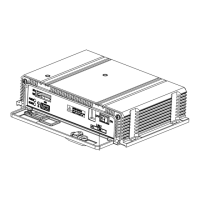
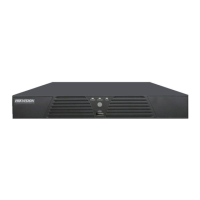
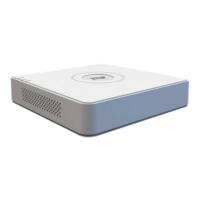
Quick Operation Guide of Digital Video Recorder
34
Purpose:
Two kinds of record types are introduced in the following section, including Instant Record and All-day Record.
And for other record types, you may refer to the user manual for detailed information.
After rebooting all the manual records enabled are canceled.
Instant Recording
On the live view window of each channel, there is a quick setting toolbar which shows on the bottom of the
window when you click on it.
Click the icon to enable the record, and the icon turns to . And click icon to disable the record,
then the icon turns to .
All-day Recording
Perform the following steps to set the all-day recording.
On the live view window, right lick the window and move the cursor to the Start Recording option, and select
Normal Record or Motion Detection Record on your demand.
Right-click Menu of DS-7200HFHI-SL&SE&ST
Right-click Menu of DS-7300HFHI-ST&SL & DS-8100HFHI-ST&SL
And click the Yes button in the popup Attention message box to confirm the settings. Then all the channels will
start to record in the selected mode.


 To Next Page
 Loading...