Quick Operation Guide of Digital Video Recorder
5
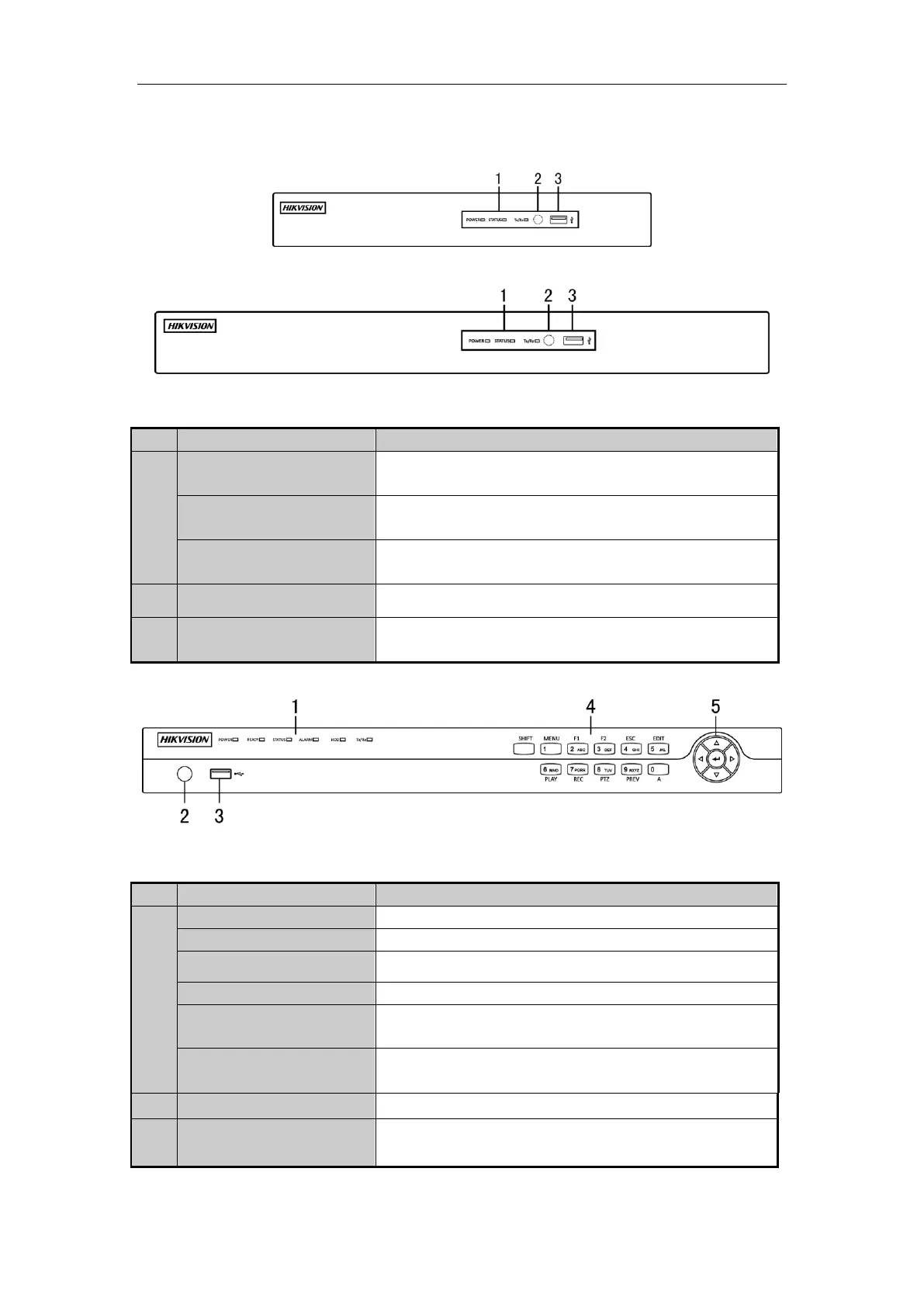
Front Panels
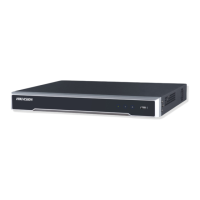
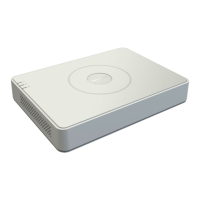
Front Panel of DS-7204HFHI-SE & DS-7200HFHI-SL
Front Panel of DS-7208HFHI-SE
Description of Front Panel
Power indicator turns yellow when the power switch on the real
panel is turned on.
Status indicator blinks red when data is being read from or written to
HDD.
TX/RX indictor blinks yellow when network connection is
functioning properly.
Universal Serial Bus (USB) ports for additional devices such as
USB mouse and USB Hard Disk Drive (HDD).
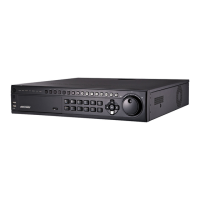
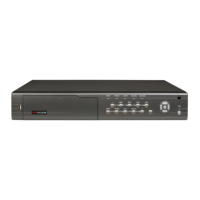
Front Panel of DS-7200HFHI-ST
Description of Control Panel Buttons
Power indicator turns yellow once the power switch turns on.
Ready indicator turns yellow when system is running.
Status indicator turns red when SHIFT mode is on.
Alarm indicator turns red when a sensor alarm is detected.
HDD indicator blinks red when data is being read from or written to
HDD.
TX/RX indictor blinks yellow when network connection is
functioning properly.
Universal Serial Bus (USB) ports for additional devices such as
USB mouse and USB Hard Disk Drive (HDD).


 To Next Page
 Loading...