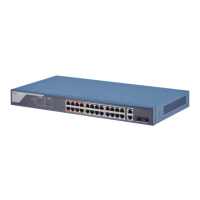
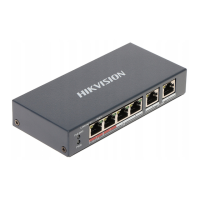
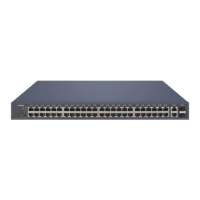
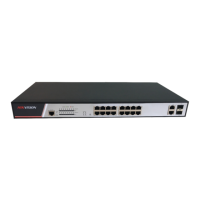
Port/Indicator Descripon
Indicator/Port Descripon
PoE-MAX Indicator • Solid /Flashing: The output power of the switch will reach the
upper limit. The power supply may be abnormal if more devices
are connected.
• Unlit: The switch provides power supply to PD normally.
PWR Indicator • Solid: The switch is powered on normally.
• Unlit: No power supply connected or power supply is abnormal.
LINK/ACT Indicator • Solid: The port is connected.
• Flashing: The port is
transming data.
• Unlit: The port is disconnected or connecon is abnormal.
PoE Indicator • Solid: The switch provides power supply to PD normally.
• Unlit: The switch is disconnected to PD, or provides power supply
to PD abnormally.
G1/G2 Port Indicator • Solid: The gigabit SFP
ber opcal port is connected.
• Flashing: The gigabit SFP
ber opcal port is transming data.
• Unlit: No gigabit SFP ber opcal port connected or connecon is
abnormal.
100Mbps PoE RJ45 Port Used for PD devices connecon via network cables.
100Mbps RJ45 Port Used for other devices connecon via network cables.
Gigabit Combo • When connected to a network cable, the combo is a RJ45 port.
When plugged into with an opcal module and connected to an
opcal ber, the combo funcons as a ber opc port.
• When connected to both the network cable and
opcal ber at
the same
me, the port works as a ber opc port.
Grounding Terminal Used for connecng to the grounding cable to protect the switch
from lightning.
Power Supply Use the aached power cord to connect the switch to socket.
100 Mbps PoE Switch Quick Start Guide
3


 To Next Page
 Loading...