Chapter 1 Introducon
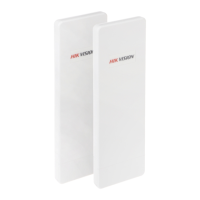
The 5 GHz gigabit wireless bridge (hereinaer referred to as the device) is used for long-distance
wireless
connecon, which is suited for outdoor video security and transmission between sites in a
LAN. The device supports 16 SSIDs, point-to-point as well as point-to-mulpoint transmission.
1.1 Interface/Buon
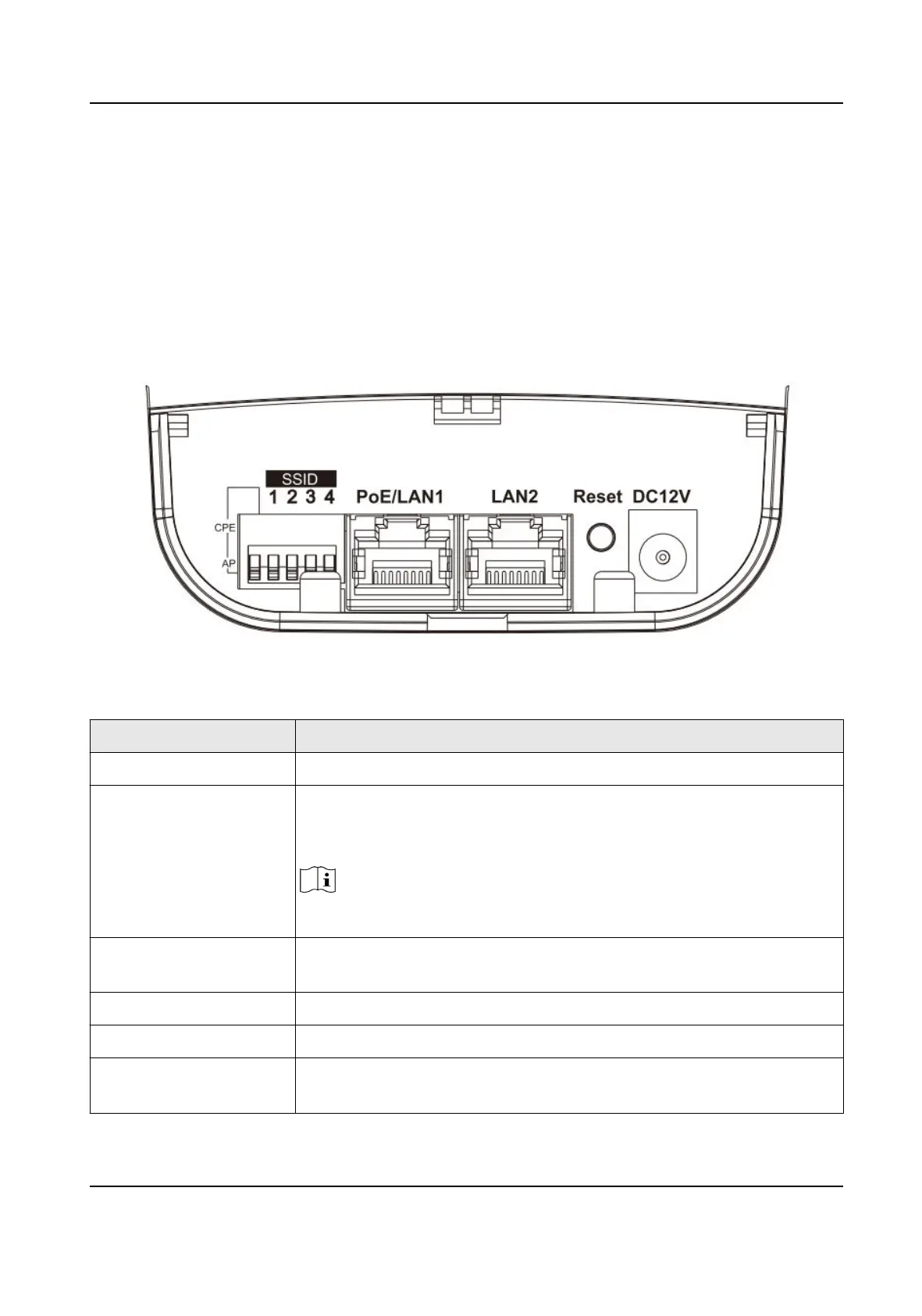
Figure 1-1 Interface/Buon of Wireless Bridge
Table 1-1 Interface/Buon Descripon
Interface/Buon Descripon
CPE/AP DIP Switch Switch up or down to set the device as AP or CPE.
SSID 4-character SSID to realize 16 kinds of matching ways by switching up
or down. The CPE will connect to the AP when its SSID matches the
AP's.
Note
The AP's SSID should be unique.
PoE/LAN 1 The 10/100/1000 Mbps adapve RJ45 port, also can be used as a PoE
port.
LAN 2 The 10/100/1000 Mbps adapve RJ45 port.
Reset Long press for 4 sec to restore to factory sengs.
DC 12V If the PoE injector is not used for powering on the device, you can use
the aached power adapter to connect the device to socket.
Wireless Bridge Quick Start Guide
1


 To Next Page
 Loading...