Chapter 2 Installaon
2.1 Preparaons for Installaon
To avoid device damage or personal injury caused by improper useage of the device, please follow
the preparaons below.
●
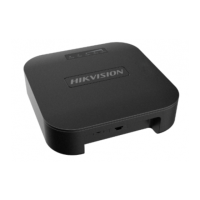
Use the
aached power adapter and PoE injector to power the device.
●
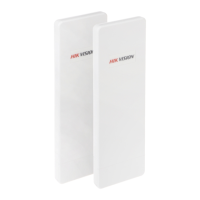
The distance between AP and CPE should be less than the suggested gure to secure
transmission rate.
●
Make sure the device is installed vercally in forward direcon, while not horizontally or in
reverse direcon.
●
Make sure the water-proof cover is on.
●
Protect the power adapter and PoE injector from rain. It is suggested to put them into a water-
proof case or the dry place.
●
It is suggested to manage the gap between cover and device with
uid dispensing.
●
Install the device in the place where the maintenance personnel can operate.
●
The devices should be installed face to face and the max. angle of deviaon is 30゚.
●
Disconnect the power source during servicing.
●
The temperature of the cover area will be high when device working. Only installaon and
maintenance personnel can operate.
2.2 Pole
Mounng
Before You Start
Mount the device on the pole with a diameter of 40 to 100 mm using the aached cable e.
Steps
1.
Thread the cable es into the installon holes at the back of the device.
Wireless Bridge Quick Start Guide
5


 To Next Page
 Loading...