Chapter 8 Alarm
When events occur, you can view their details in alarm center.
8.1 Set Event Hint
Select the events to hint in alarm center.
Steps
1.
Click at the upper-right corner.
2.
Set
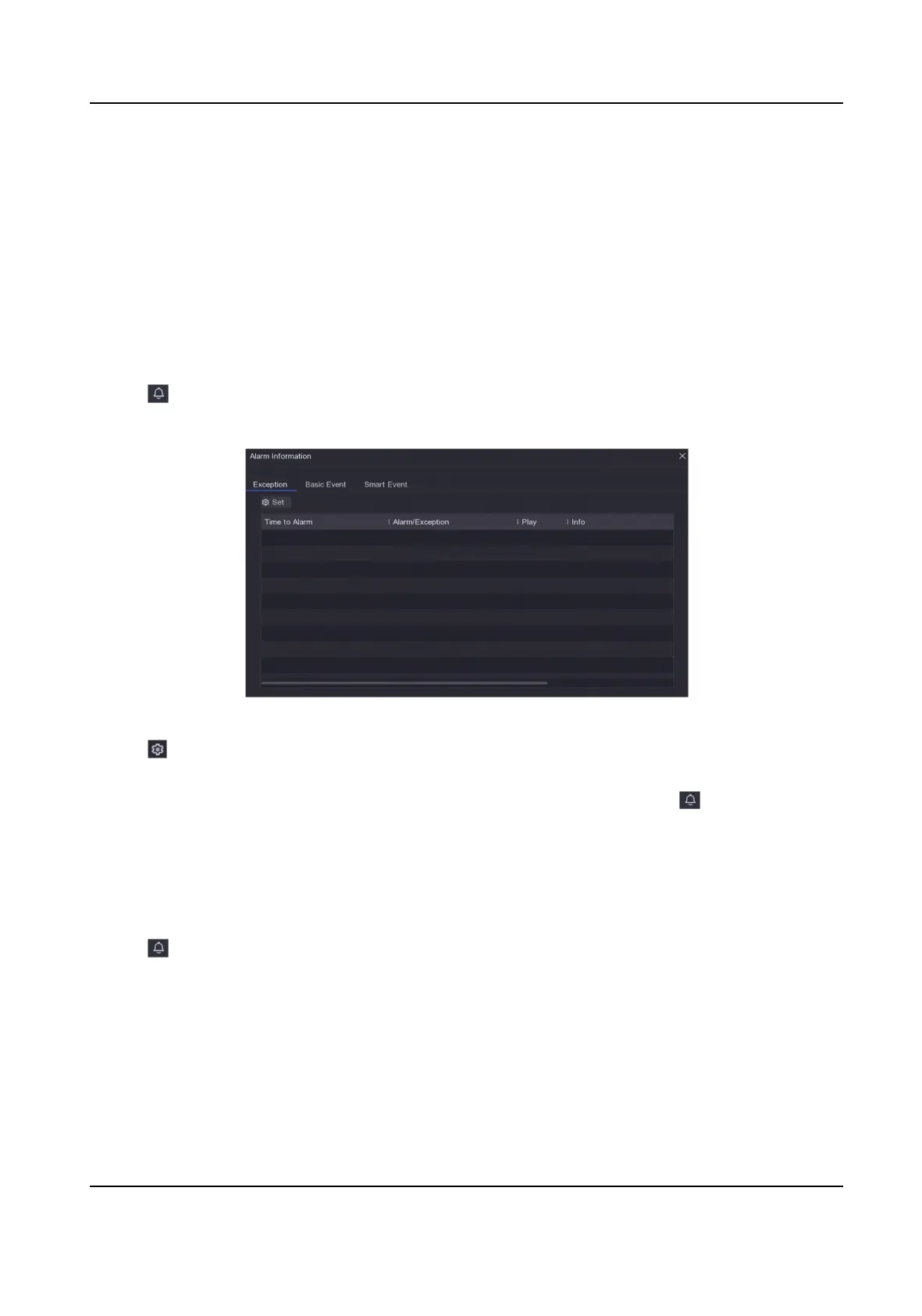
Excepon, Basic Event, or Smart Event as your desire.
Figure 8-1 Alarm Center
3.
Click and select events to hint.
4.
Click OK.
When the selected events occur, the alarm
informaon will be displayed in (locang at the
upper-right corner of local menu).
8.2 View Alarm in Alarm Center
Steps
1.
Click at the upper-right corner of local menu.
2.
Click
Excepon, Basic Event, or Smart Event to view as your desire.
Digital Video Recorder User Manual
83



 To Next Page
 Loading...





