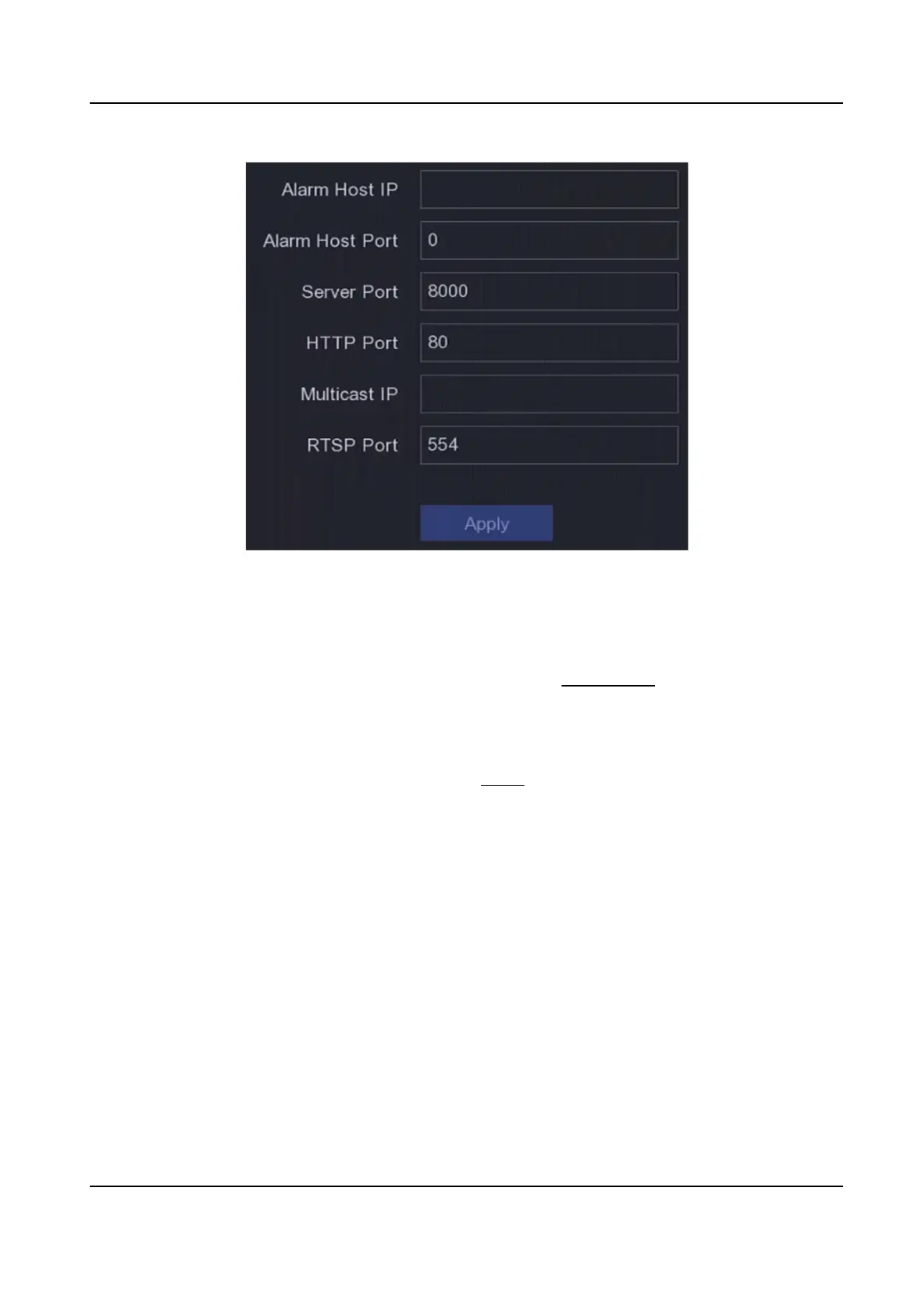
Figure 6-9 Port Sengs
6.2.9 Hik-Connect
Go to Conguraon → Network → Plaorm Access . Refer to Hik-Connect for details.
6.2.10 Email
Go to Conguraon → Network → Email . Refer to Email for details.
6.3 Camera Management
6.3.1 Congure Signal Input
For certain digital video recorder models, you can congure the analog and IP signal input types.
Steps
1.
Go to Conguraon → Camera → Analog , or click Edit at the upper-right corner in
Conguraon → Camera → Camera .
2.
Select signal input type as HD/CVBS or IP.
HD/CVBS
Digital Video Recorder User Manual
48



 To Next Page
 Loading...





