Chapter 1 Startup
1.1 Acvate Your Device
For the rst-me access, you need to acvate the video recorder by seng an admin password. No
operaon is allowed before acvaon. You can also acvate the video recorder via web browser,
SADP or client soware.
Before You Start
●
Power on your device.
●
For the
rst-me access, if you do not move the mouse on the interface for one minute, the
resoluon will be set as 1280*720/60Hz (720P) automacally.
Steps
1.
Select a language.
2.
Click Apply.
3.
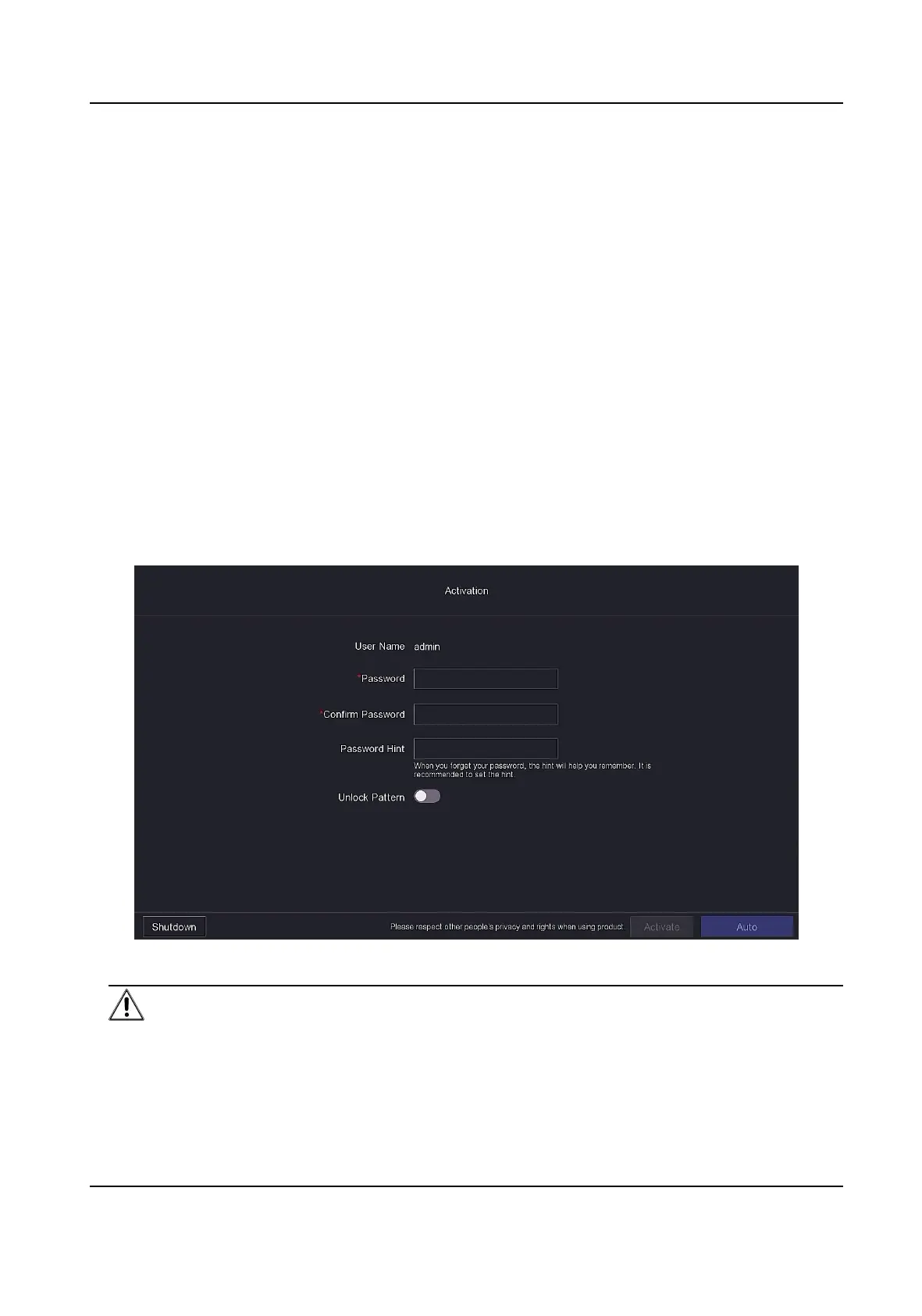
Input the same password in Password and
Conrm Password.
Figure 1-1 Acvaon
Warning
●
Strong Password recommended-We highly recommend you create a strong password of your
own choosing according to the following rules in order to increase the security of your
product:
Digital Video Recorder User Manual
1



 To Next Page
 Loading...





