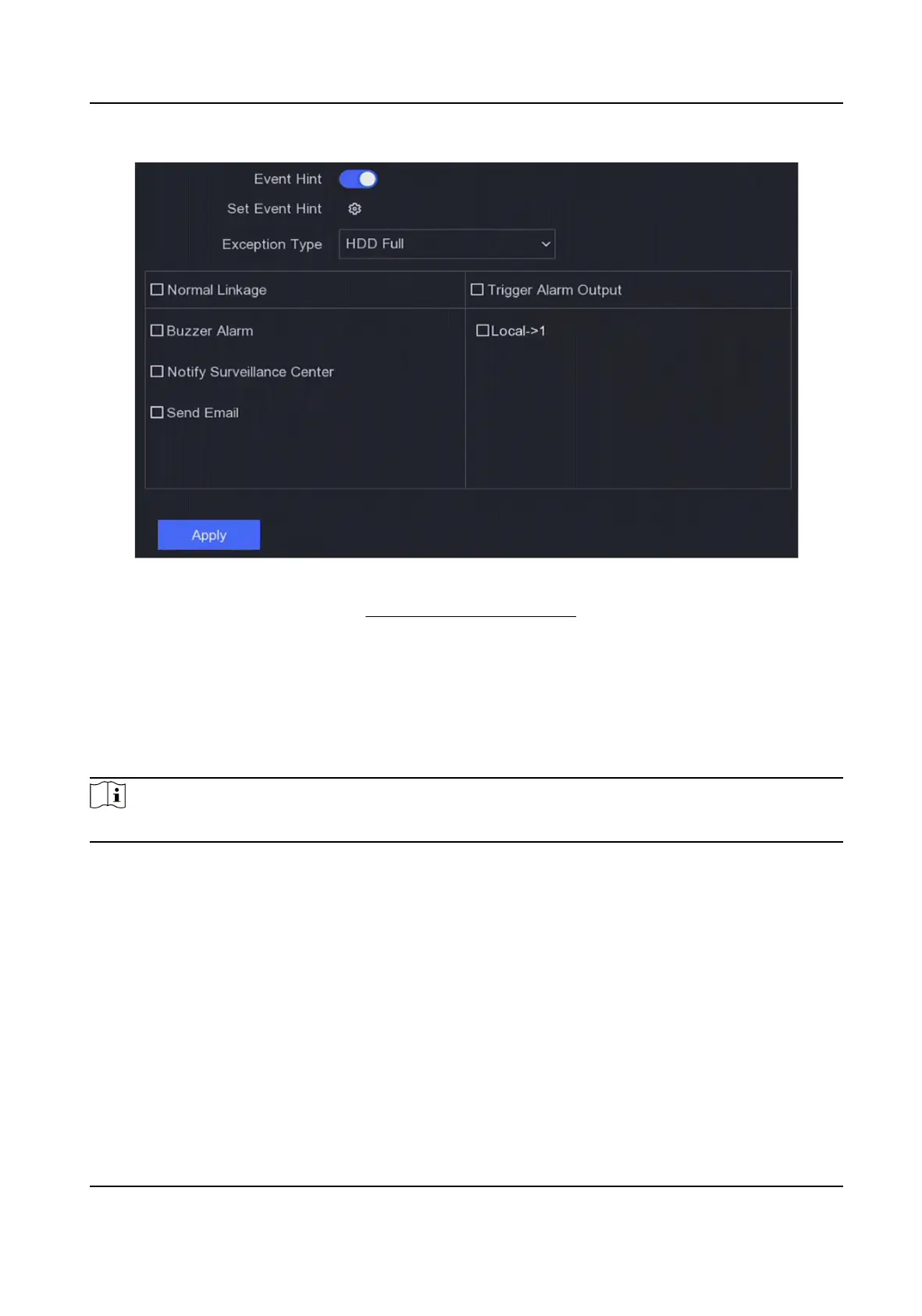
Figure 6-22 Excepons
4.
Set the arming schedule. Refer to Congure Arming Schedule for details.
5.
Click Apply.
6.4.2 Perimeter
Protecon
Perimeter protecon includes line crossing detecon, intrusion detecon, region entrance
detecon, and region exing detecon.
Note
Perimeter protecon is only available for certain device models or camera models.
Line Crossing Detecon
Line crossing detecon detects people, vehicles, and objects crossing a set virtual line. The
detecon direcon can be set as bidireconal, from le to right or from right to le.
Steps
1.
Go to
Conguraon → Event → Perimeter Protecon → Line Crossing .
2.
Set Camera.
3.
Turn on Enable.
4.
Set the
detecon rules and detecon areas.
1) Set Arming Area.
Digital Video Recorder User Manual
60



 To Next Page
 Loading...





