Figure 1-3 Fix HDD
3.
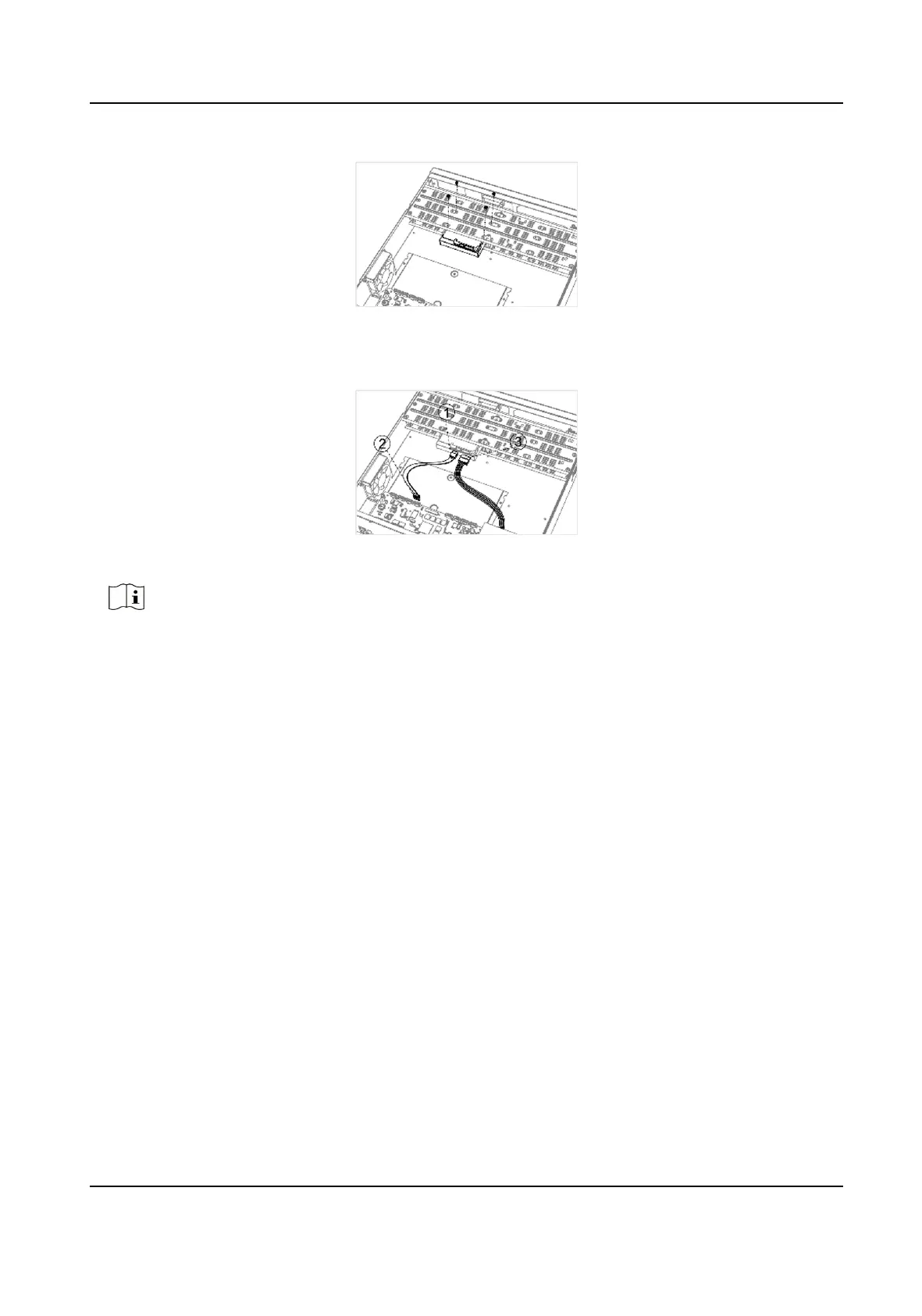
Connect the data cable and power cable.
Figure 1-4 Connect Cable
Note
You can repeat the steps above to install other HDDs.
4.
Reinstall the device cover and fasten screws.
Front Panel Plug-Pull
Installaon
Front panel plug-pull installaon is applicable when you need to open the device front panel with
key and install the HDD.
Steps
1.
Fix
mounng ears to HDD with screws.
Digital Video Recorder User Manual
xiv


 To Next Page
 Loading...






