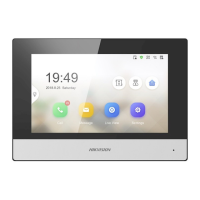
Device Informaon
Click Device
Informaon to enter device basic informaon page. You can
view basic informaon (the device type, and serial No.), and version
informaon of the device.
Figure 3-2 Device Informaon
General
Click Gener
al to enter device general parameters sengs page. You can
view and edit the device name and device ID.
Figure 3-3 General
Time
Click Time t
o enter the device me sengs page.
Video Intercom 9 Series Indoor Staon Conguraon Guide
20



 To Next Page
 Loading...