EasyManua.ls Logo

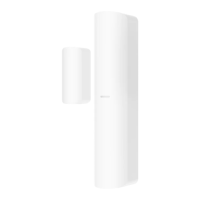
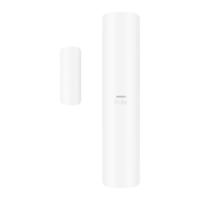
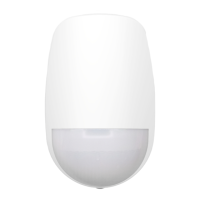
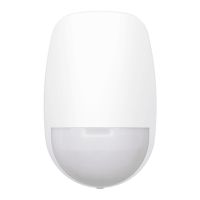
HIKVISION DS-PDMCX-E-WB - User Manual

HIKVISION DS-PDMCX-E-WB
142 pages
Print Icon
To Next Page IconTo Next Page
Loading...
AX PRO
User Manual

Table of Contents

Other manuals for HIKVISION DS-PDMCX-E-WB

Questions and Answers

  • B
    Brian HuynhSep 2, 2025
    Why am I unable to send mails to QQ or Foxmail from my HIKVISION Security System?
    • L
      Leslie MitchellSep 2, 2025
      If you're having trouble sending emails to QQ or Foxmail, remember that the password needed for QQ account login isn't the usual one. Generate an authorization code via email account ? device ? account ? and use that as the login password.
  • R
    Ruth StoneAug 31, 2025
    What to do if the HIKVISION Security System alarm information is not reported to APP/4200/Alarm Center?
    • R
      Rachel GrantAug 31, 2025
      If alarm information isn't being reported, make sure that 'alarm and tamper-proof notice' is enabled in the settings.
  • H
    Heather ReedAug 29, 2025
    Why am I unable to send mails to Gmail from my HIKVISION Security System?
  • A
    Amber ShepherdAug 27, 2025
    What to do if the HIKVISION Security System network camera drops off frequently?
    • T
      taylor23Aug 28, 2025
      If the network camera frequently disconnects, verify that the network communication and camera live view are functioning correctly.
  • C
    Christy DaughertyAug 26, 2025
    What to do if I failed to add a device on the HIKVISION Security System APP?
    • J
      John SmithAug 27, 2025
      If you can't add a device on the app, check the web page to see if Hik-Connect is offline. This could be the reason for the failure.
  • C
    christina87Aug 25, 2025
    Why is my HIKVISION Security System Hik-Connect offline?
    • K
      Kathryn AdamsAug 25, 2025
      If Hik-Connect is offline, it indicates a problem with the panel's network configuration, which prevents access to the extranet.
  • R
    Roberto KennedyAug 22, 2025
    What to do if the HIKVISION Security System web page is not accessible?
    • B
      Brian TaylorAug 22, 2025
      If the web page isn't accessible, check if the network cable is properly connected and the panel network is working correctly. Also, if you've modified the panel port, make sure to include the port number in the web address when trying to access it.

HIKVISION DS-PDMCX-E-WB Specifications

General IconGeneral
ModelDS-PDMCX-E-WB
CategorySecurity Sensors
Wireless Frequency868 MHz
Battery TypeCR123A
Battery Life3 years
Protection LevelIP65
Power SupplyBattery
Operating Humidity10% to 90%

Related product manuals