187692(10) - EN - P280 Mattress Instructions for Use Page 23
Mobilizing
the Patient
Mobilizing and Securing the Patient
The device is designed for optimal therapeutic benefits when the adjustable
head section is inclined to between 0° and 45°.
Raising the head of bed to 45° or higher increases the risk of pressure ulcer
formation in the sacral area.
Patients are ideally positioned when their hip is aligned with the patient
position indicator on the bed.
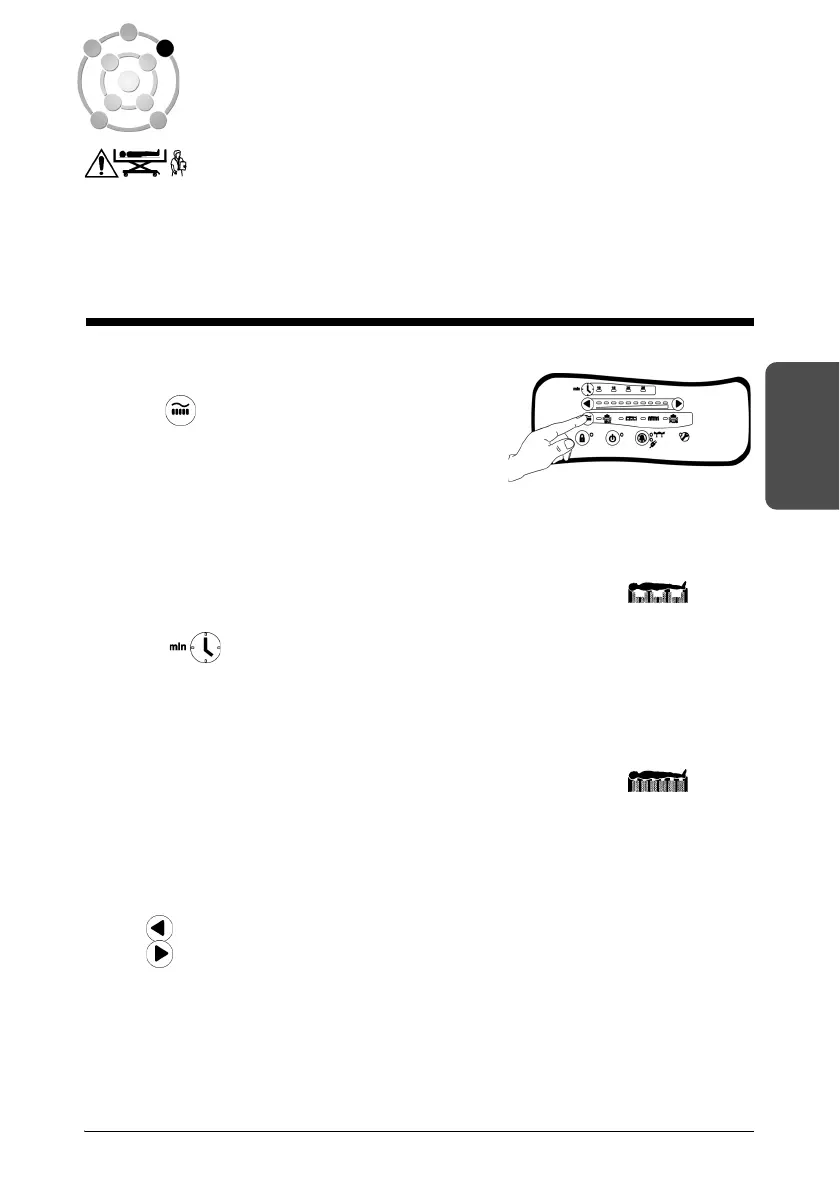
Selecting the Operating Mode
Press until the light corresponding to the
required mode comes on.
Alternating Low Pressure
In Alternating Low Pressure mode, the internal pressure of the different zones of
the device varies, creating zones of high and low pressure under the patient’s
body.
When this operating mode is selected, the indicator light near the symbol
comes on.
Press . to select an alternating low pressure cycle. Select a 10, 15, 20 or
25 minute cycle for optimal patient comfort and according to the required result.
Continuous Low Pressure
In Continuous Low Pressure mode, the pressure at the interface with the
patient’s body is uniform.
When this operating mode is selected, the indicator light near the symbol
comes on.
Comfort Settings
The pressure in the air bladders of the device can be adjusted according to the
condition of the patient in all the operating modes using the comfort settings
buttons:
• To decrease the pressure
• To increase the pressure


 To Next Page