Page 26 187692(10) - EN - P280 Mattress Instructions for Use
Locking the User Interface
The Safety Lock-Out function prevent the operating mode from being changed
unintentionally.
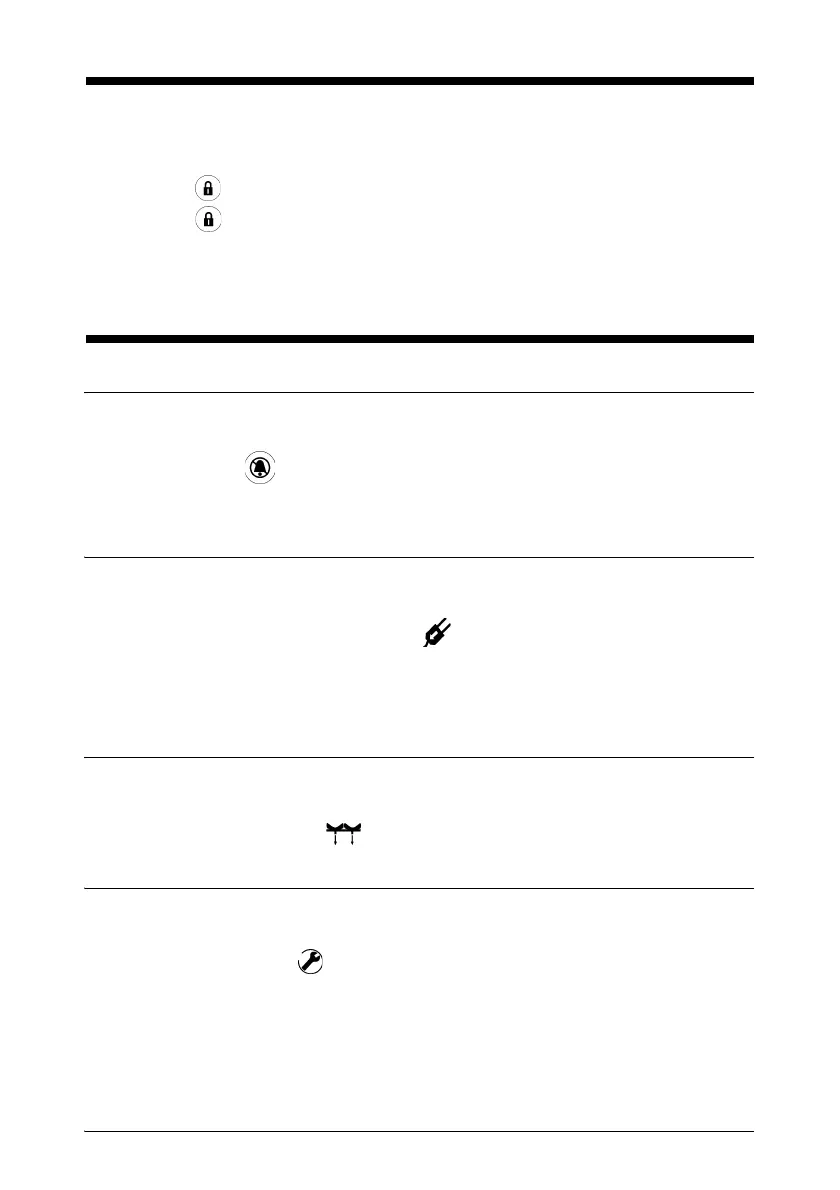
1. Press until the indicator light comes on to lock the user interface.
2. Press until the indicator light goes out to unlock the user interface.
If no functions are used for 5 minutes, the user interface is automatically
locked.
Understanding the Audible Indicators
Audible Indicator Silence
To stop the “Mains Power Fault” and “Low Pressure” audible indicators from
sounding, press .
If the problem continues, the audible indicator sounds again after 3 minutes.
Mains Power Fault Indicator
If the P280 is disconnected or if there is a mains power failure, an audible
indicator sounds and the light near the symbol comes on.
The audible and light indicators are active when the P280 is being
transported (See “Moving the Patient on the Bed in Transport Mode” page
27).
Low Pressure Indicator
When the pressure in the air bladders is too low, an audible indicator sounds and
the indicator light near the symbol comes on (refer to the service manual).
Malfunction Indicator
In the event of a malfunction of the device, an audible indicator sounds and the
indicator light near the symbol comes on (refer to the service manual).


 To Next Page