4.58 pro+ Non-Integrated Mattress (P7924)—Removal
Chapter 4: Procedures
Centrella® Smart+ Bed Service Manual (193588 REV 12) 4 - 161
4
4.58 pro+ Non-Integrated Mattress (P7924)—Removal
Tools: None
REMOVAL
1. Make sure the brake is set.
2. Adjust the bed to the flat position.
3. Fully extend the foot section of the bed.
4. Lower the siderails.
Warning—Failure to unplug the bed and mattress could cause injury or equipment damage.
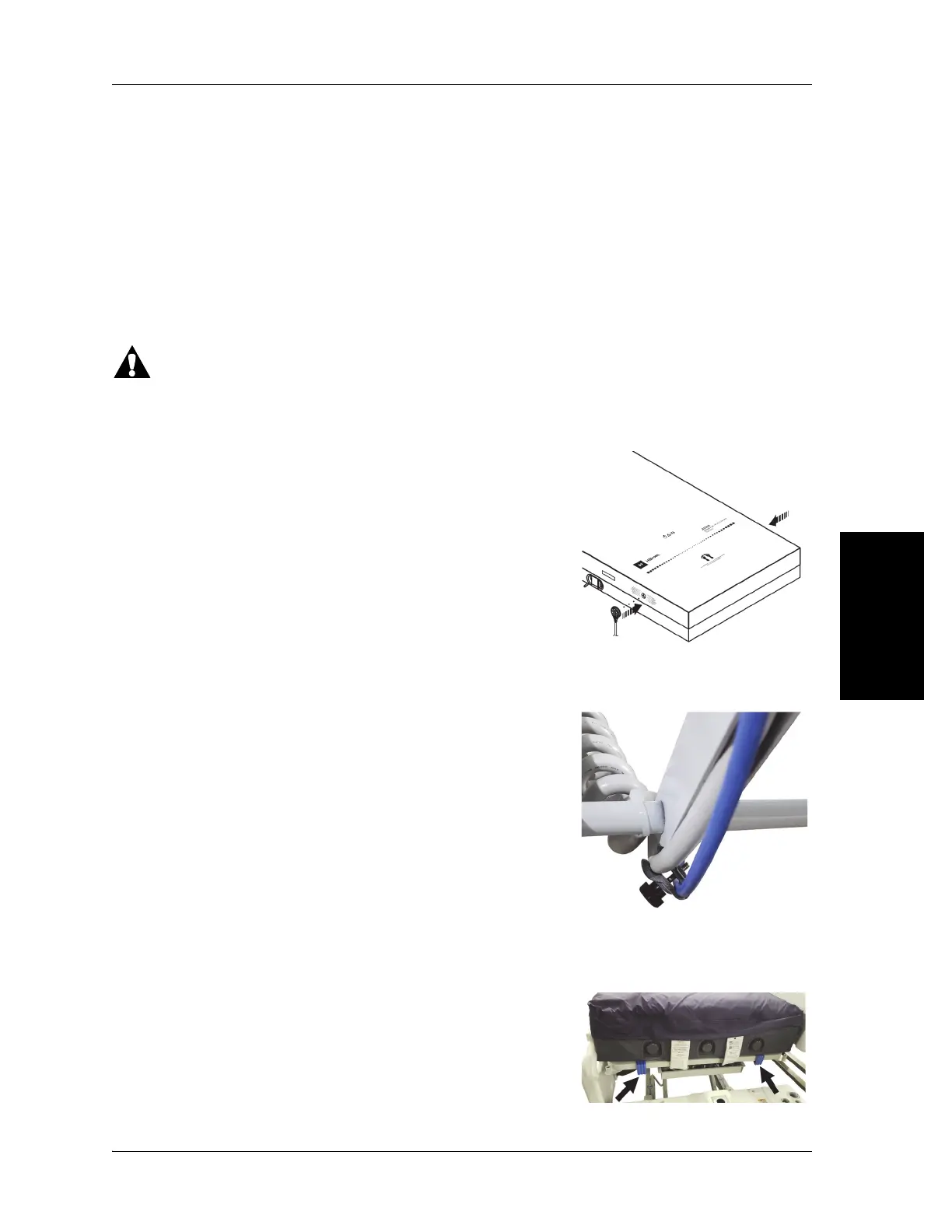
5. Unplug the bed and mattress.
6. Remove the status indicator from the footboard and attach the
indicator to one of the mattress storage locations.
7. Remove the footboard.
8. Remove the mattress cord clamp from the bed power cord.
9. Remove the mattress power cord magnets and power cord from the bed and pull the power cord
to the top of the bed deck.
10. Disconnect the mattress hooks from the head end of the bed.












 To Next Page