(APPENDIX II) CONTROL UNIT SCREENS | PAGE 44
V G 2
H 3 : 6 %
p
H 5 : 2 %
q
H 7 : 1 % T H D : 5 . 7 %
V G 3
H 3 : 2 %
p
H 5 : 1 %
q
H 7 : 0 % T H D : 3 . 9 %
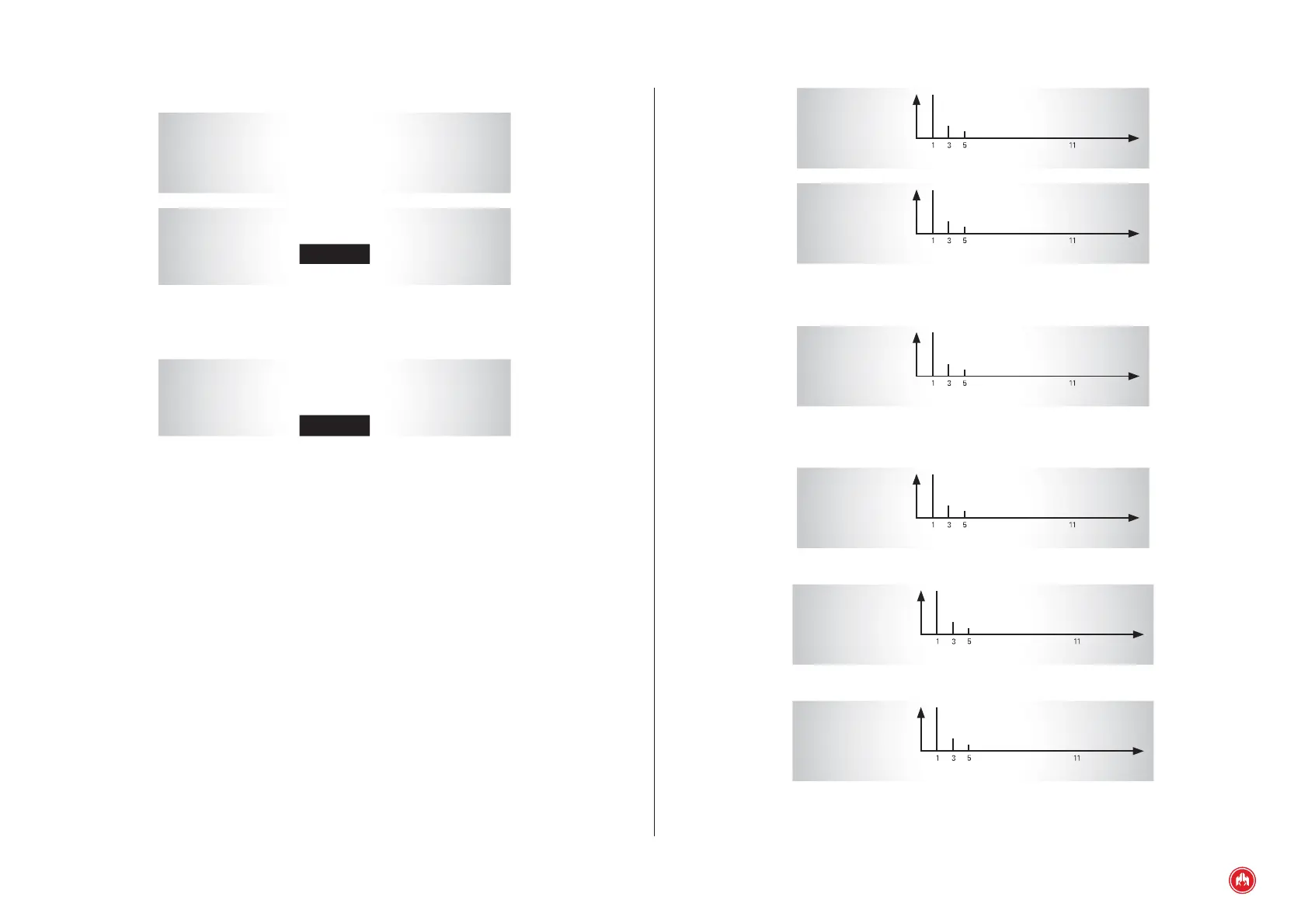
Fig.1
Analysed signal: selection via the cursors •▼
V G 2
H 3 : 6 %
p
H 5 : 2 %
q
H 7 : 1 % T H D : 5 . 7 %
Fig.2
Spectral analysis
V G 2
H 3 : 6 %
p
H 5 : 2 %
q
H 7 : 1 % T H D : 5 . 7 %
q Conrm key (ü).
V G 2
H 9 : 1 %
p
H 11 : 0 %
q
H 13 : 0 % T H D : 5 . 7 %
q Conrm key (ü).
V G 2
H 15 : 0 %
p
H 17 : 0 %
q
H 19 : 0 % T H D : 8 . 7 %
Fig.3
Harmonics: Change selection by pressing the confi rm key (ü)
7. CUSTOMIZING PASSWORDS
* * * * PASSWORD * * * *
à
0 . User
1 . Maintenance
* * * * USER * * * *
Password
1 1 1 1
0 0 0 0
Fig.1
Old password
* * * * USER * * * *
Password
1 1 1 1
0 0 0 0
Fig.2
New password
8. HARMONICS
The control unit performs a calculation of the different voltage and current
harmonics. The information shown is:
• Spectrum graphic in frequencies.
• Values in % of the harmonic components up to 20.
• Total harmonic distortion (THD) and total harmonic distortion plus
noise (THDN) in %.
Using the arrow keys •▼the signal to be analysed is selected (VG1, VG2, VG3,
VR1, VR2, VR3, I1, I2 or I3). To display the harmonic press the key ü.
> Analysed signal: selection via the cursors •▼.


 To Next Page