13
4.3 Conduct Ambulatory Blood Pressure Study
4.3.1 Communication with Hingmed ABPM
After installing the PC software, your computer should be able to communicate with
monitor for programming and to perform a successful Ambulatory Blood Pressure
Monitoring study.
4.3.2 Connect monitor to computer
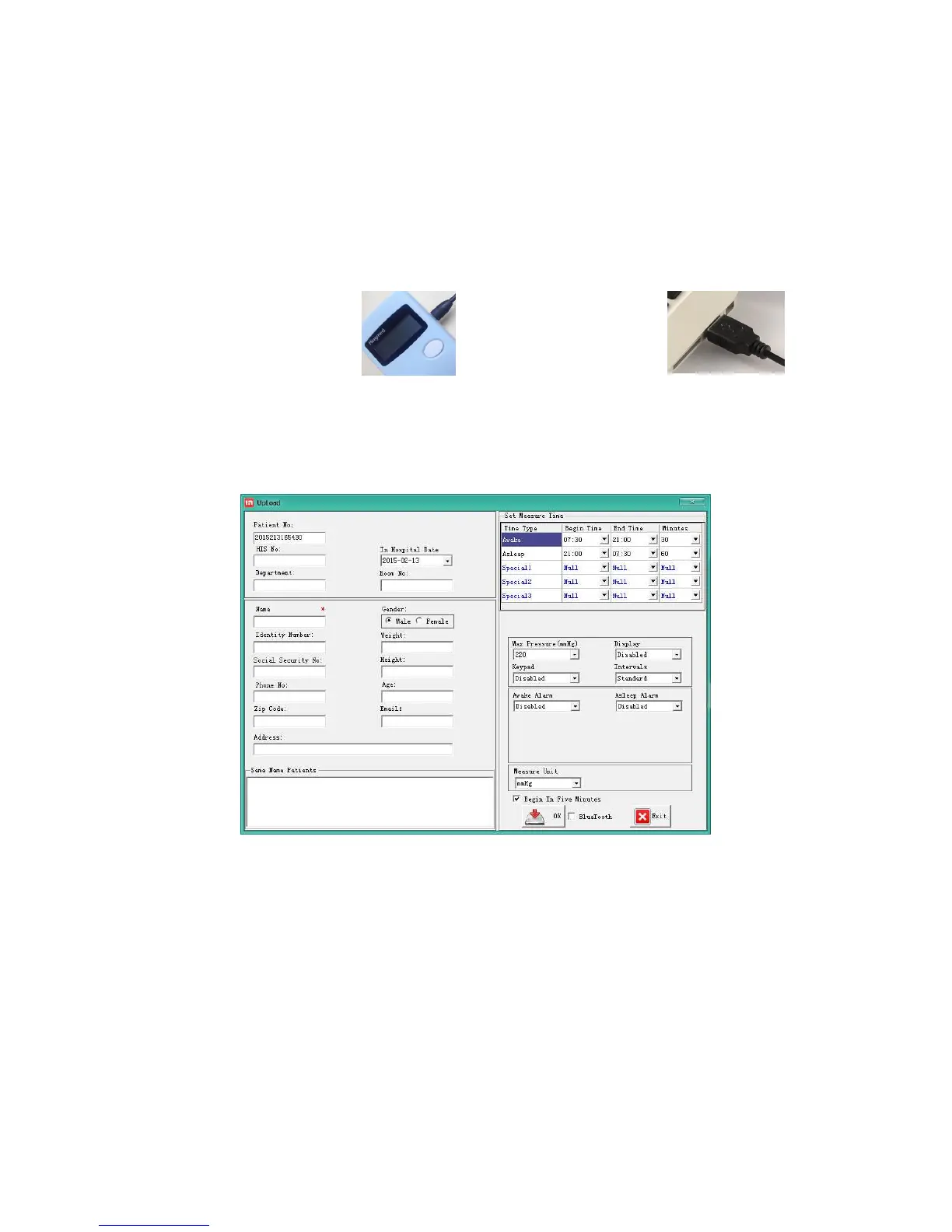
a)Connect Micro USB
terminal of data cable
to the USB port at right
side of ABPM.
4.3.3 Continuous measurement programming
After successful connection, start Hingmed ABPM software to program.
1. Click the “Program”;
2. Input the related information in the programming interface as the following Figure:
3. Click “OK” to program;
4. The indicator bar displays the progress of data transmission to monitor and will
disappear after successful programming.
The measuring parameters could be adjusted as follows:
● Enter into the programming interface and set the parameters as the following
figure.


 To Next Page