18
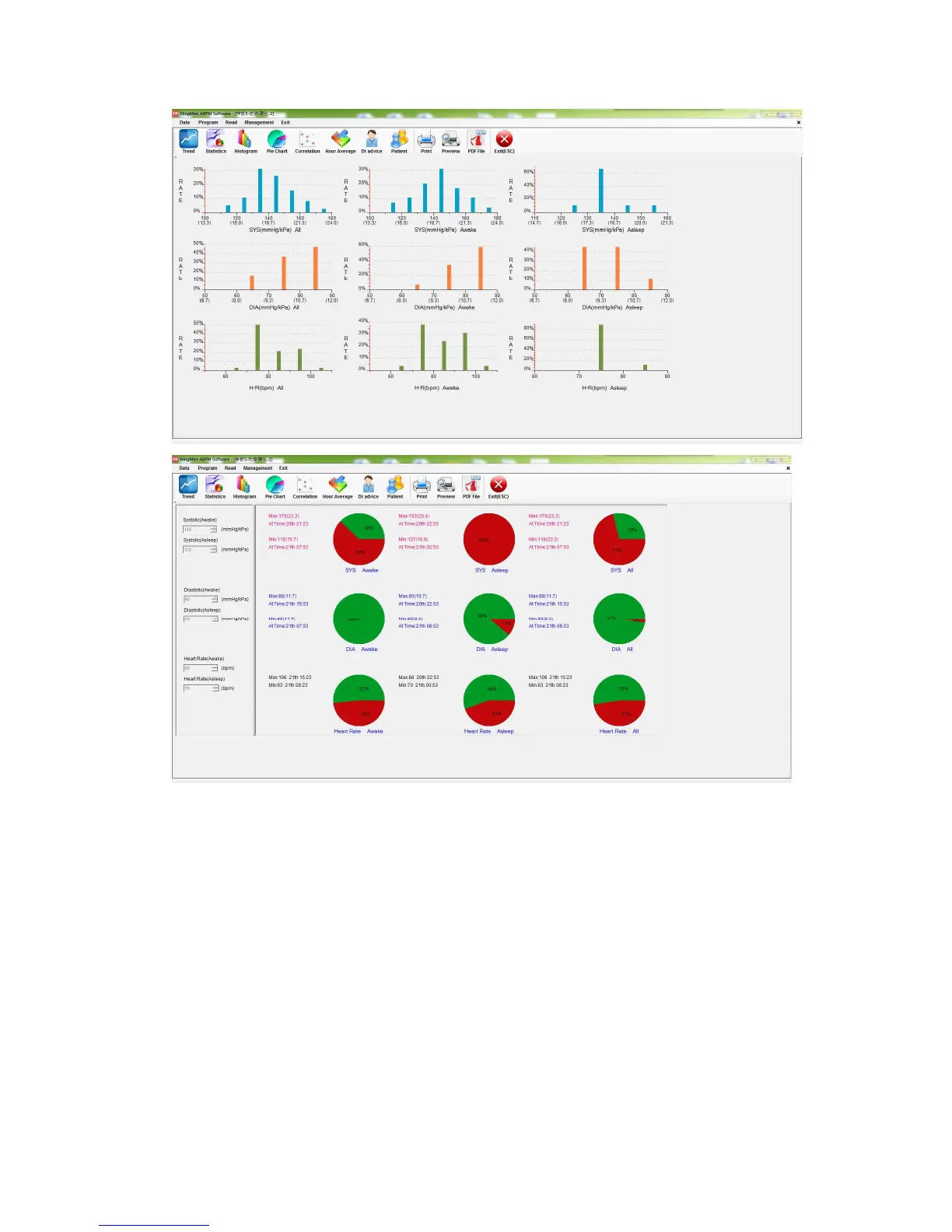
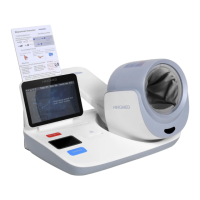
Figure c: Ambulatory blood pressure history data analysis summary map
Note:
1. Operation details of PC software of Hingmed Ambulatory Blood Pressure
Monitor, please refer to <User Guide of PC software>;
2 In the programming of monitor every time, an interface will pop up to notice that
the history data will be overwritten, so please make sure that the history data
has been derived and stored;
3. The monitor could store maximum 300 hundred records. When storage is full,
the monitor can’t measure normally until programming it from computer;
4. If not reprogram to the monitor, the preceding program will keep valid, therefore,
power off the monitor, and take out batteries after finishing the measurement, in
case of power consumed by automatic cycles of inflation/deflation.


 To Next Page