12
Chapter 2 Measurement Procedure
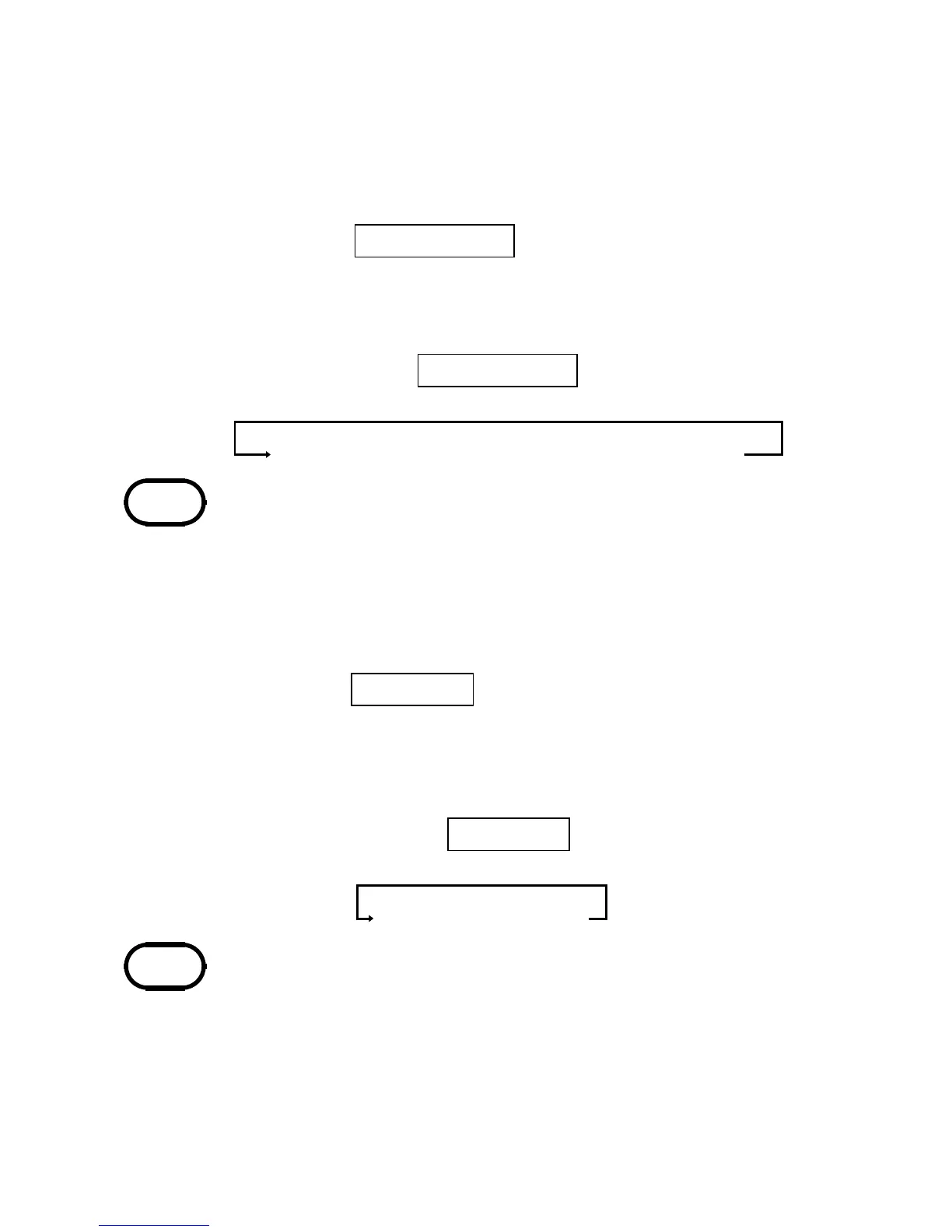
RMS value display
→
Current range display
NOTE
NOTE
SLOW
→
Hz
→
RMS
【Bar graph display BAR GRAPH】
The current range display can be switched to
bar graph operation. The bar graph shows the
rms value of the measured current.
1. Press the
BAR GRAPH
key.
2. The current range display is switched to bar
graph operation.
Each push of the
BAR GRAPH
key toggles
between the following modes:
・ The flashing segment indicates the full-scale
position.
・ The bar graph display refresh rate is "FAST"
(4 times per second).
【Frequency (Hz) display】
1. While the display is switched to SLOW mode,
press the
SLOW/Hz
key.
2. The frequency of the measured current is
displayed.
If there is no input "−−−−"isshown.
Each push of the
SLOW/Hz
key cycles
through the following modes:
・ There is no frequency output function.
・ The frequency of special waveforms such as
at the secondary side of an inverter may not
be indicated correctly. Enable the filter
function (see page 14) in such a case.
・ If the frequency is 30 Hz or less, "−−−−"is
shown.


 To Next Page