6
TOP
BACK
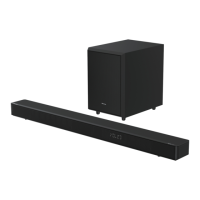
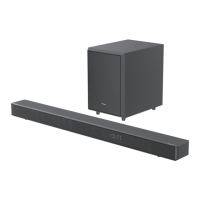
3. Identifying the Parts
3.1 Soundbar
1 Remote Control Sensor
Receive signal from the remote control.
2 Display Window
Show the current status.
3
(ON/OFF) button
Switch the soundbar between ON and
Standby mode.
4 (SOURCE) button
Select the play function.
5
+/-(
VOL) buttons
Increase/decrease the volume level.
6 Wall bracket screws
7 AC~ Socket
Connect an AC power cord.
8 OPTICAL Socket
Connect to an optical audio output on the
TV.
9 AUX Socket
Connect to an external audio device.
10 USB Socket
Insert the USB device to play music.
11 HDMI (TV eARC/ARC) Socket
Connect to a TV via HDMI cable.
3.2 Wireless Subwoofer
1 Pairing Indicator
Light stops blinking once the subwoofer is
paired with the soundbar.
2 AC IN~ Socket
Connect an AC power cord.
3 PAIR button
Press activate the pairing function between
the soundbar and subwoofer.


 To Next Page
 Loading...