5
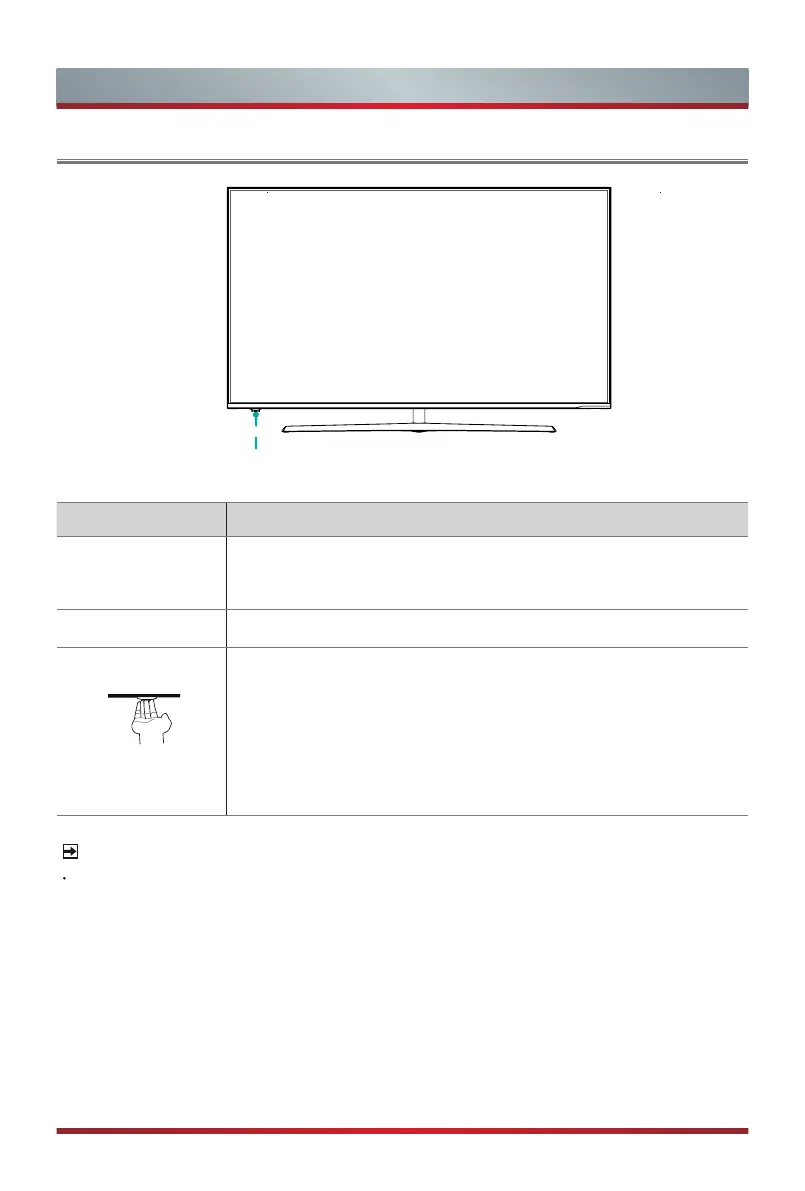
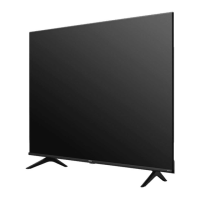
TV Front
TV Front
NOTES
Powering on the TV requires several seconds to load programs. Do not rapidly
turn the TV off as it may cause the TV work abnormally.
Single button
(
Remote sensor / Power indicator / Standby)
Item Description
Remote sensor
Receive remote signals from the remote control.
Do not put anything near the sensor, as its function may be
affected.
Power indicator
The light is red in standby mode.
Standby / Source
Press the single button when in standby mode, TV will be turned
on. Press the single button to call up the menu, when the focus
is on "Power Off", long
press the single button to turn the TV into
standby mode.
/ Press the single button to call up the menu and then select
among the different input signal sources.


 To Next Page