4
12
12
1096 7 8 11
2. Product Diagram
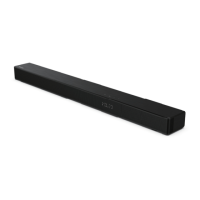
2.1 Main Unit
1
Remote Control Sensor
Receive signal from the remote control.
2
LED Indicators
Lamp
Mode
●●
Red Standby
●●
Green AUX
●●
Blue BT (Bluetooth)
●●
Orange OPTICAL
●●
Light blue COAXIAL
●●
White HDMI ARC
●●
Yellow USB
3
(ON/OFF) Button
Switch the soundbar between ON and
Standby mode.
4
(SOURCE) Button
Select the play function.
5
+
/
-
(Volume) Buttons
Increase/decrease the volume level.
6
AC IN ~ Socket
Connect to the power supply.
7
AUX Socket
Connect to an external audio device.
8
USB Socket
Insert the USB device to play music.
9
HDMI ARC Socket
Connect to a TV via HDMI cable.
10
OPTICAL Socket
Connect to an optical audio output on
the TV.
11
COAXIAL Socket
Connect to the COAXIA audio output
on the TV.
12
Wall hanging points



 To Next Page