9
5.2 Auto-Standby / Auto-Wake
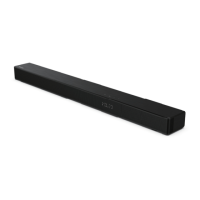
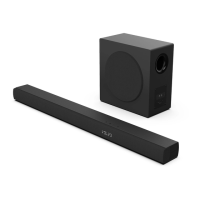
[Auto-Standby] The soundbar automatically turns
to Standby mode after about 15 minutes if the TV or
the external soundbar is disconnected (or USB, BT
function bit playback pause), or switched o.
[Auto-Wake] If a TV or an external device is
connected (AUX / OPTICAL / HDMI ARC socket),
the unit will switch on automatically when the TV
or the external device is switched on.
Auto-standby ON/OFF
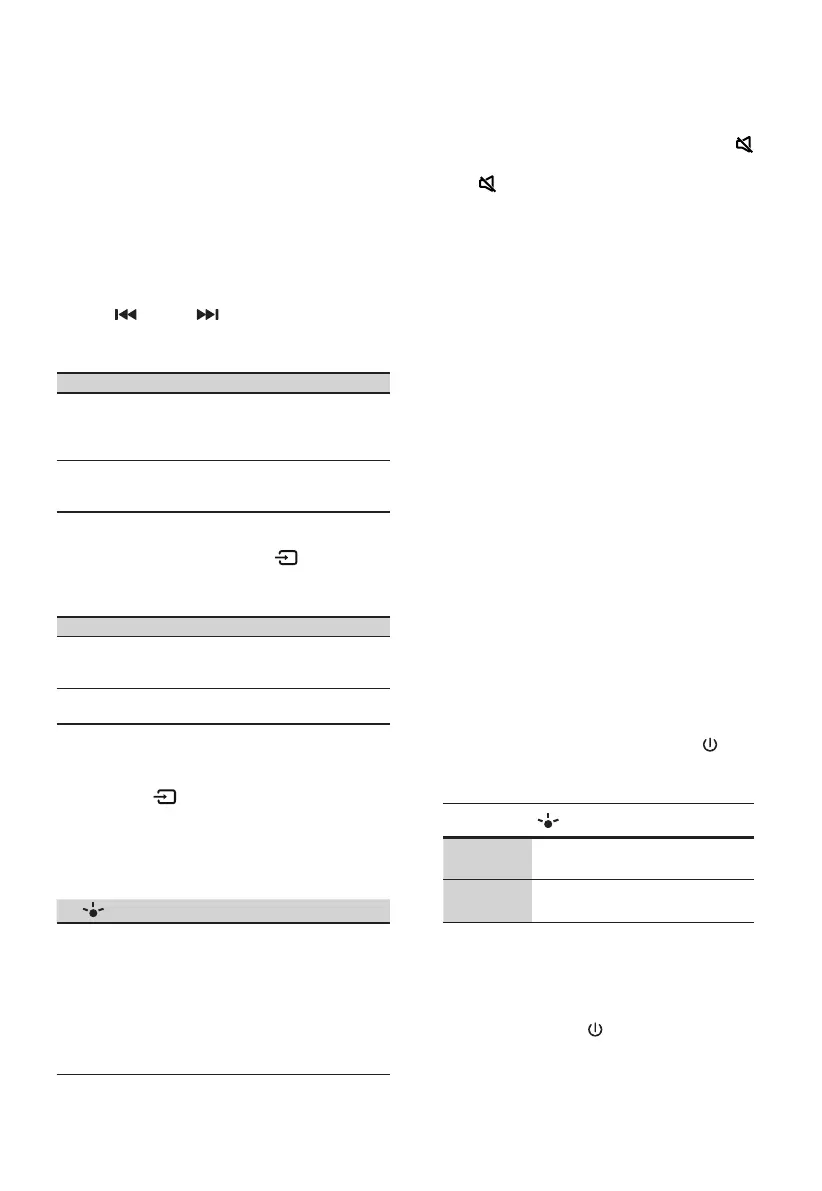
Switch the soundbar on the optical mode, double
click the
(x2) and (x2) buttons on the
remote control to activate and deactivate the
auto-standby:
Auto Standby
On
Your Soundbar has been programmed to enter
Standby mode automatically when no audio is
detected for 15 minutes.
LED State:
●●
| Yellow blink quick for 3 times
O
You can turn o the Auto Standby to keep your
Soundbar always working.
LED State:
●●
| Yellow blink slowly for 3 times
Activate and Deactivate the Auto-Wake:
Turn on the soundbar, press the[
] [
+
] button
at the same time on the soundbar to activate and
deactivate the auto-wake:
Auto-Wake
On
The Soundbar will wake up automatically when
audio input is detected.
LED State:
●● ●● ●● ●●
| White | White | Green | Green
O
The Soundbar does not wake up automatically.
LED State:
●● ●● ●● ●●
| White | White | Red | Red
5.3 Select Modes
• Press the (SOURCE) button repeatedly
on the unit or on the remote control to select
the desired mode.
• The indicator light on the front of the main
unit will show which mode is currently in use.
Lamp
Mode
●●
Red Standby
●●
Green AUX
●●
Blue BT (Bluetooth)
●●
Orange OPTICAL
●●
Light blue COAXIAL
●●
White HDMI ARC
●●
Yellow USB
5.4 Adjust the Volume
• Press the VOL
+
/ VOL- buttons on the unit or
on the remote control to adjust the volume.
• If you wish to turn the sound o, press the
(MUTE) button on the remote control. Press
the
(MUTE) button again or press the VOL
+
/
-
buttons to resume normal listening.
5.5 Turn the Surround Sound ON/OFF
• Press the SURR button on the remote control
to turn on the surround sound. Press this
button again to turn o the surround sound.
5.6 Select Equalizer (EQ) Eect
• While playing, press the EQ button on the
remote control to select desired preset
equalizers: music, movie, news, game,
sport, night.
5.7 Adjust the Bass/Treble
• Press the BASS
+
/
-
buttons on the remote
control to adjust bass level.
• Press the TREBLE
+
/
-
buttons on the
remote control to adjust treble level.
5.8 Adjust the Brightness
- Press the DIMMER
+
/
-
button on the
remote control to select brightness level.
5.9 Voice prompts ON/OFF
- In Standby mode, press and hold the [ ] and
[VOL
+
] button on the soundbar to enable
or disable voice prompts.
Status
LED State
Notice OFF
●● ●● ●● ●● ●● ●● ●●
(Solidly red and white LEDs ash 3 times)
Notice ON
●● ●● ●● ●● ●● ●● ●●
(Solidly green and white LEDs ash 3 times)
5.10 Factory reset
Reset device to default setting.
• Switch the soundbar on the optical mode,
press and hold the [
] button on the
soundbar, the soundbar will enter factory
reset mode and turn to standby state.



 To Next Page