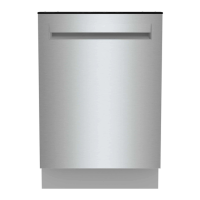
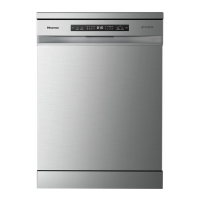
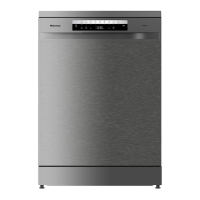
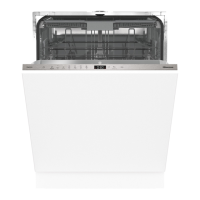
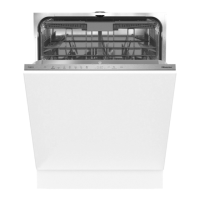
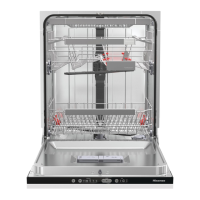
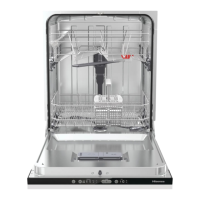
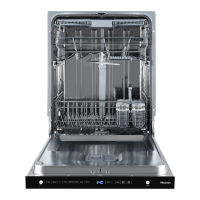
Your dishwasher
Install the dishwasher; see the chapter Installation instructions. Then open the door and press Power.
The first time the dishwasher is switched on, it is important that you choose the right settings to ensure
good dishwashing results. See the chapter Before washing for the first time.
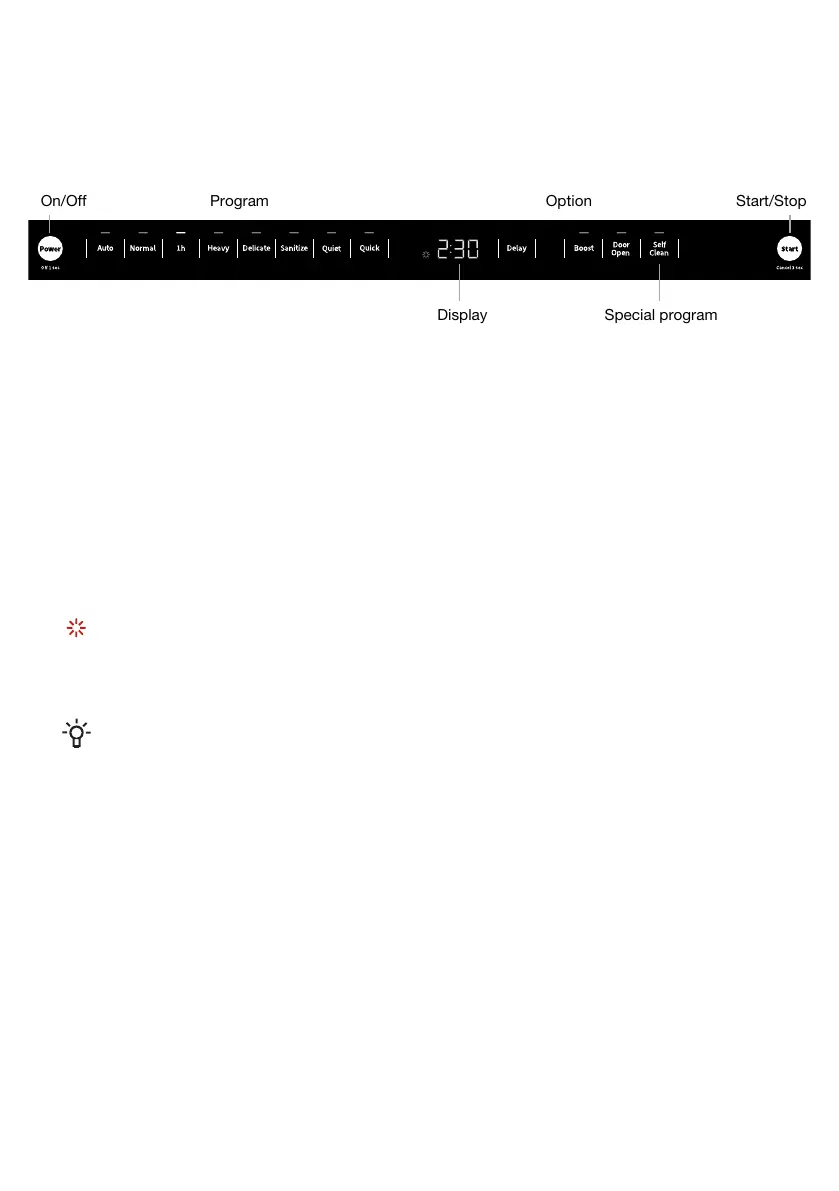
Display
Start/StopOn/Off Program Option
Special program
Special programOptionProgram
Self CleanDelayAuto
BoostNormal
Door Open1h
Heavy
Delicate
Sanitize
Quiet
Quick
Information on the display
See the chapter Care and maintenance instructions.
Fill up with rinse aid
CLn Run the Self Clean program
NOTE!
The control panel only reacts to use when the door is open.
For questions about features, operation/performance, parts or service, call: 1-877-465-3566
4


 To Next Page