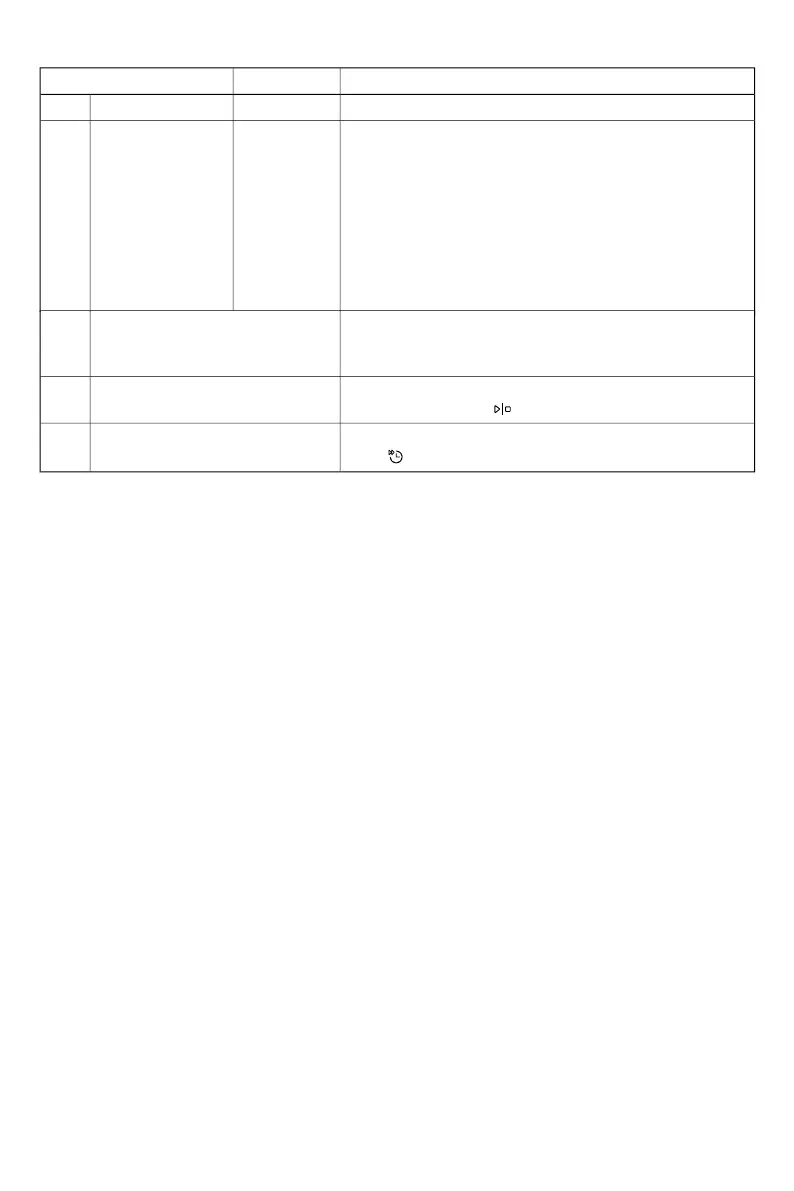
Settings Alternatives
Pre-selected at factory: 00
The dishwasher door opens automatically, which shortens
the program time and improves the drying results. Wait
until the dishwasher indicates that the program has ended
F-- Error readout Any error messages.
When contacting the service department, you may be
asked to provide the most recent error messages.
rSt Restore factory defaults Restores all settings to the factory defaults.
Select rSt and press
.
To exit the dishwasher's settings menu, select End and
press or wait for three seconds.
End Exit
6 Auto Dry 00 (Off)
01 (On)
and the dishes have cooled before unloading the dish-
washer. (If the dishwasher is built-in the surrounding fur-
nishings must be resistant to any condensation from the
dishwasher.)
Not available for: Hygiene 70°, Self-clean, Intensive 70°,
Glass 40°
19



 To Next Page