Note:
• The Recording List function may not be applicable in some models/
countries/regions.
Related Topic
• Connecting USB Devices
• Recording/Timeshift Issues
Timeshift
This option allows you to pause and rewind Live TV. This function operates
by recording temporarily to a storage device. Please ensure your storage
device is connected and there is enough free disk space. Otherwise, the
timeshift function will not commence.
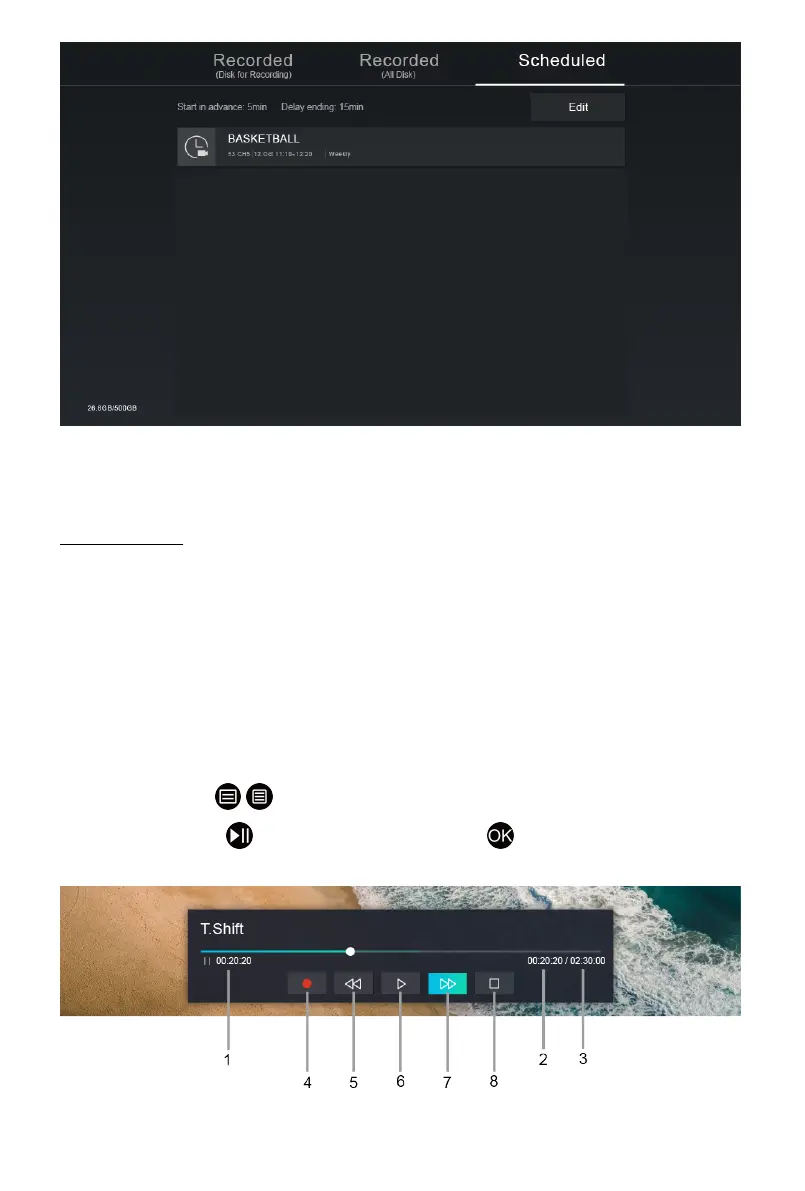
In Live TV, press / > Timeshift, and then the playback bar will appear.
If your remote has button, press it and press button to launch
Timeshift.
1 Unwatched time for buffered content
16



 To Next Page