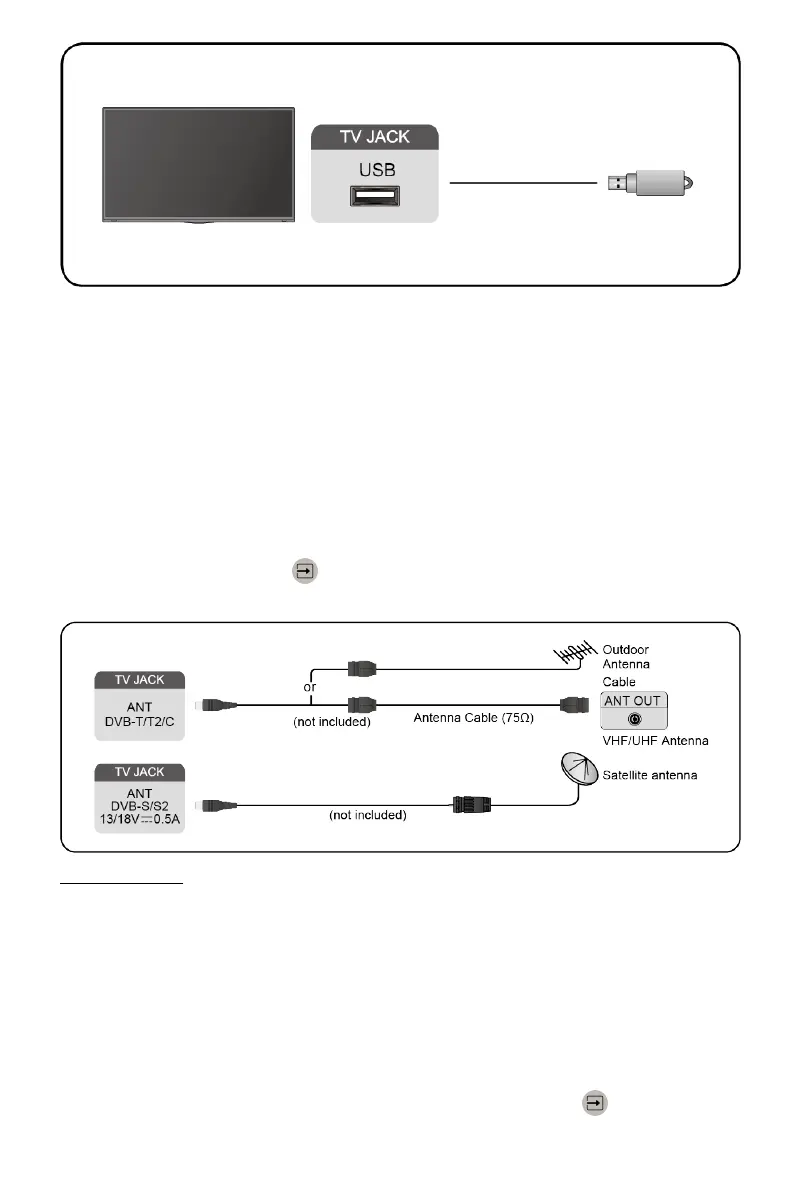
Note:
• Support the USB disk 4G, 8G, 16G, 32G, 64G, 128G and other common
market sizes, and 8T hard drive is currently supported.
• Support format: NTFS, FAT32.
• Select the content you want to play or view. For more information, please
refer to Smart Functions > Media in this manual.
Connecting an Antenna
You can connect an antenna cable to your TV.
Using your remote, select Input icon in Home screen and select TV as the
input source.
Related Topic
• Channel Scan
Connecting Audio Visual (AV) Devices
Connecting with a composite video cable
To connect an AV device with a composite video cable (not provided), see
the illustration below.
When the connection is finished, using your remote, select Input icon in
Home screen, and select AV as the input source.
23


 To Next Page