Function menu
SD-SETTING menu
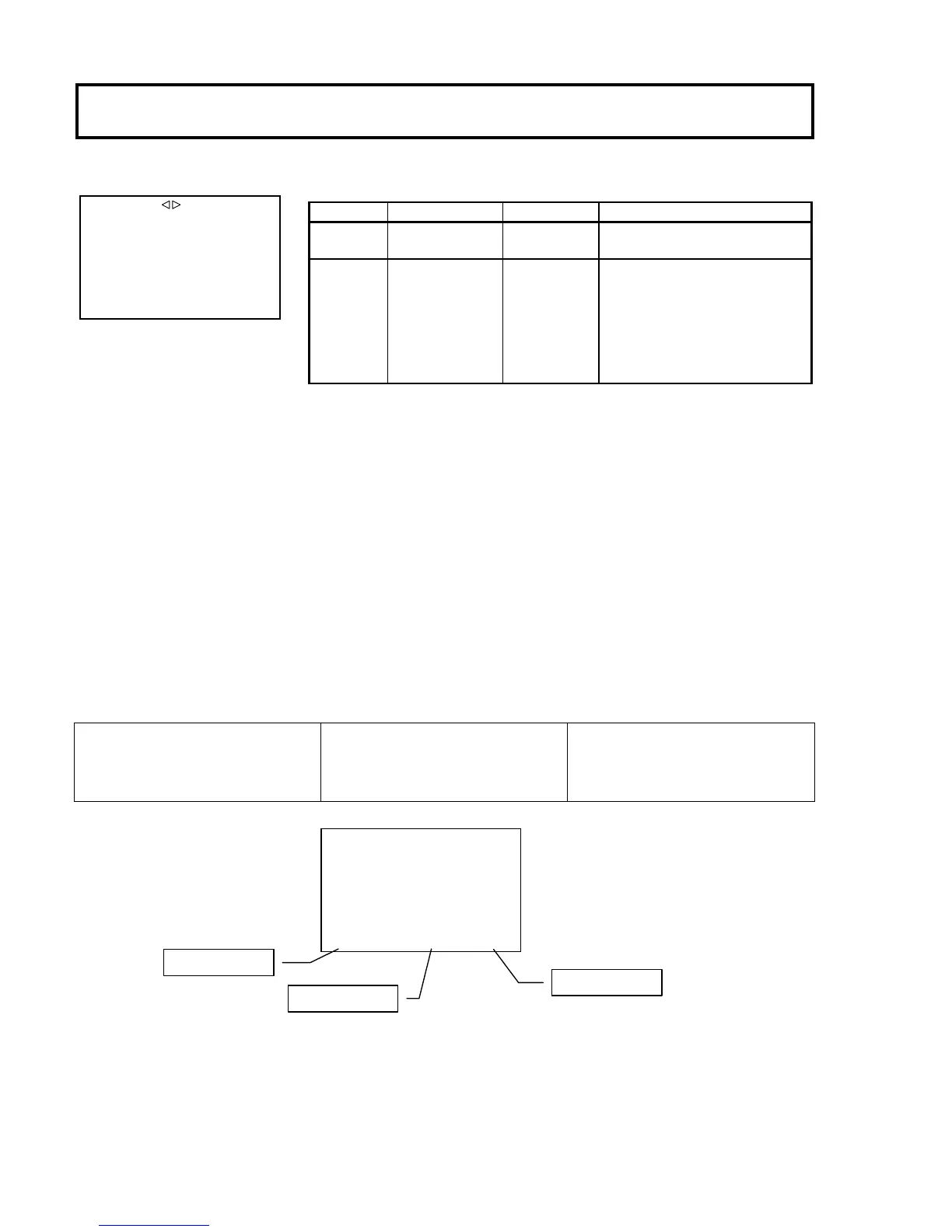
ECC filter indication
When the FILTER setting is ON, the ECC filter is displayed at the lower center of the screen. The display depends on the optical
filter position.
ECC_FILTER
A.3200K
B.4300K
C.5600K
D.6300K
E.8000K
Displays ECC filter information with
optical filter 1.
PIX OUT camera status display
1.3200K A.3200K F8.0
Optical filter
ECC filter
Lens iris
■SD SETTING
ASPECT :16:9
WFM :ENC
Item Setting Factory setting Description
ASPECT 16:9,4:3 16:9 Select the SD aspect ratio.
WFM R, G, B, ENC, SUP, SEQ ENC Set the WFM CONTROL (Control Signal output).
SD-SDI, the HD-
SDI output, and WFM CONTROL
are connected with a SDI Waveform monitor,
the control synchronizes with the Waveform monitor.
*Please see 19 page "Service information -


 To Next Page