Function menu
SYSTEM TIMING menu
PIX DISPLAY menu
SD-DTL menu
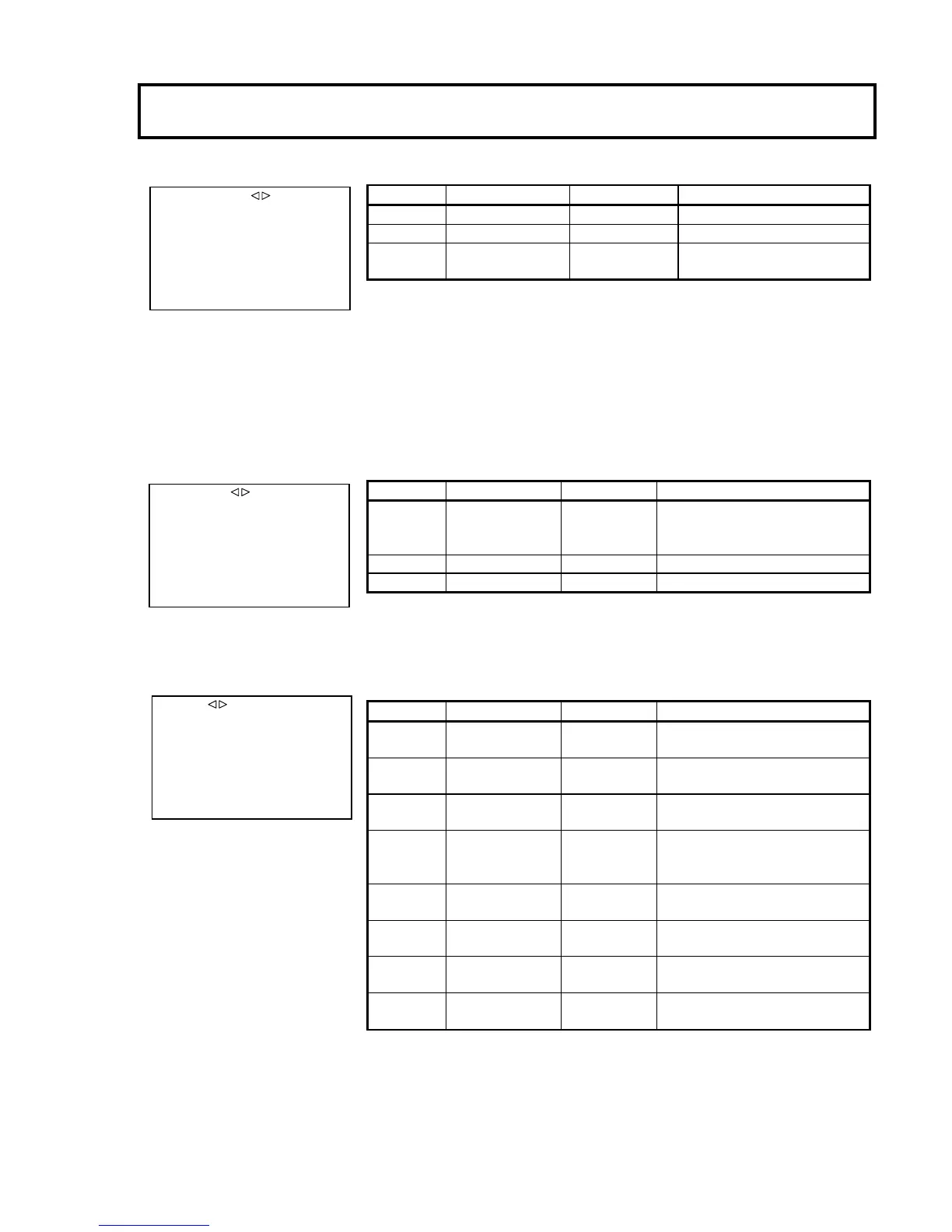
■SD DTL
SD DTL :ON
H GAIN : 0
V GAIN : 0
H CRISP :-128
V CRISP :-128
DTL FREQ :5MHz
LEVEL DEP :-128
LEL DEP SLP:-128
Item Setting Factory setting Description
SD DTL OFF,ON ON Enable the DTL function of SDTV.
H GAIN -128 to +127 0 Adjust the SDTV Horizontal DTL level.
V GAIN -128 to +127 0 Adjust the SDTV Vertical DTL level.
H CRISP -128 to +127 -128 Set the op
eration threshold level of horizontal DTL in
order to prevent to emphasize noise.
V CRISP -128 to +127 -128
Set the op
eration threshold level of vertical DTL in
order to prevent to emphasize noise.
DTL FREQ 4MHz,5MHz,6MHz,
7MHz,8MHz
5MHz Set the Horizontal DTL boost frequency.
LEVEL DEP -128 to +127 -128 Dark component DTL level adjustment slice.
LEV DEP SLP -128 to +127 -128 Dark component DTL level adjust slope.
■SYSTEM TIMING
HD H PHASE : 0( 0)
SD SDI H P : 0( 0)
GL H PHASE :108( 1728)
Item Setting Factory setting Description
HD H PHASE -128(-512 )to +127(511) 0 Adjust HD-SDI output phase to VBS.
SD SDI H P -128(-256 )to +127(255) 0 Adjust SD-SDI output phase to VBS
GL H PHASE -128(-2048 )to +127(2047) 108( 1728) Adjust HD/SD-SDI output phase to genlock
signal.
■PIX DISPLY
FILTER :ON
ECC :ON
IRIS :ON
Item Setting Factory setting Description
FILTER OFF, ON
ON/OFF
ON
Sets the types of the PIX OUT optical filter display and
ECC filter display.
For details, see the filter display below.
ECC OFF,ON ON Display the Electric Color Correction filter.
IRIS OFF, ON ON Display the F-value of the lens iris.


 To Next Page