Advanced Techniques
39
Press and hold the power zoom T control until you find the picture you want. You control
the zoom with the power zoom T and W controls. When ZOOM is not displayed in the
viewfinder, normal zoom functions resume.
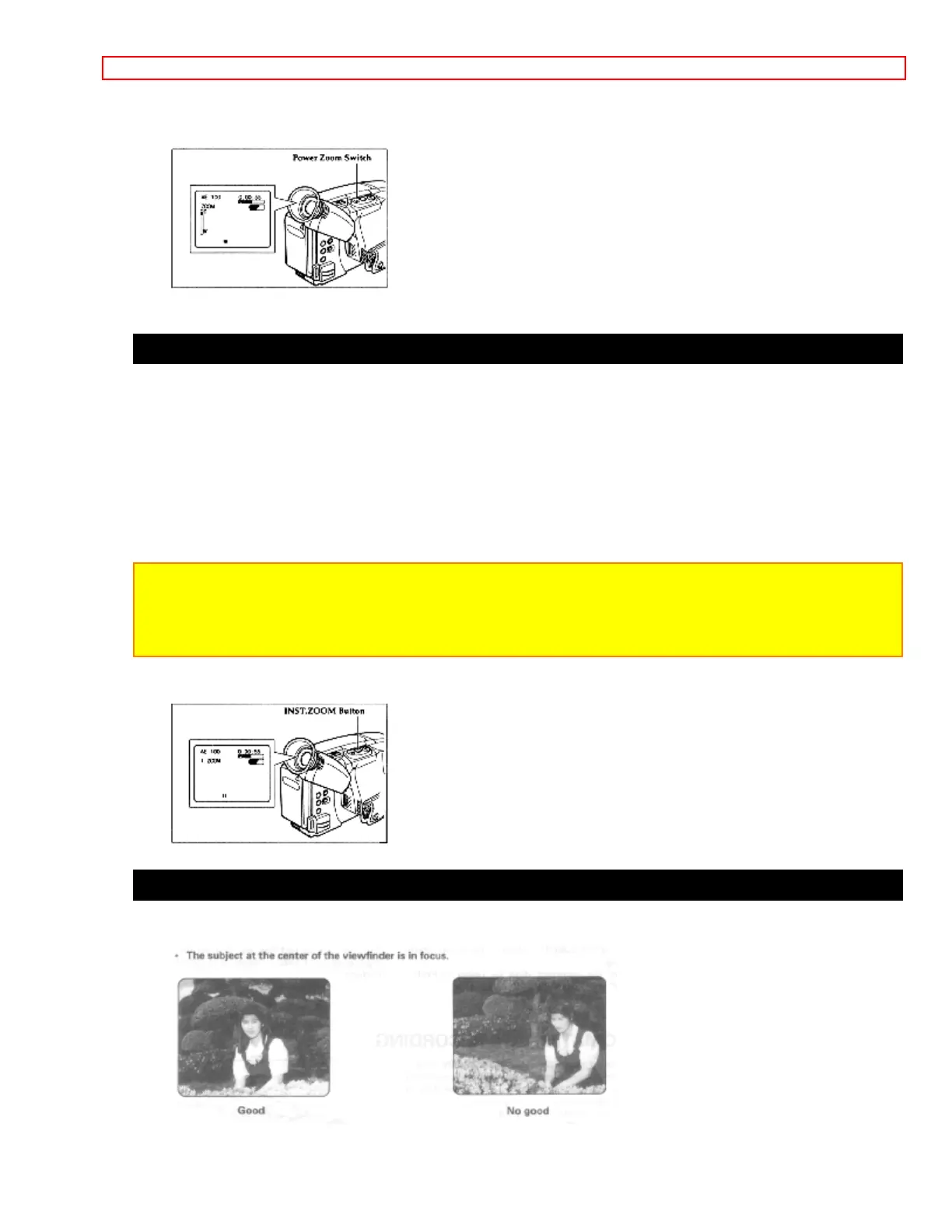
Using the INST. ZOOM (Instant Zoom) Button
The instant zoom feature activates the digital zoom to magnify the subject 1.5 times
regardless of zooming engaged by the power zoom T and W controls.
Press the INST. ZOOM button. I. ZOOM appears at the left of the viewfinder and the
picture is magnified 1.5 times momentarily.
Note: To return to the original zoom position, press the INST. ZOOM button so that I.
ZOOM disappears from the viewfinder.
Note: This instant zoom has certain limitations and may degradate at extreme
magnification and amplify camera/recorder's movement.
Using Auto Focus
The camera/recorder focuses the subject in the center of the viewfinder automatically.



 To Next Page