38 39
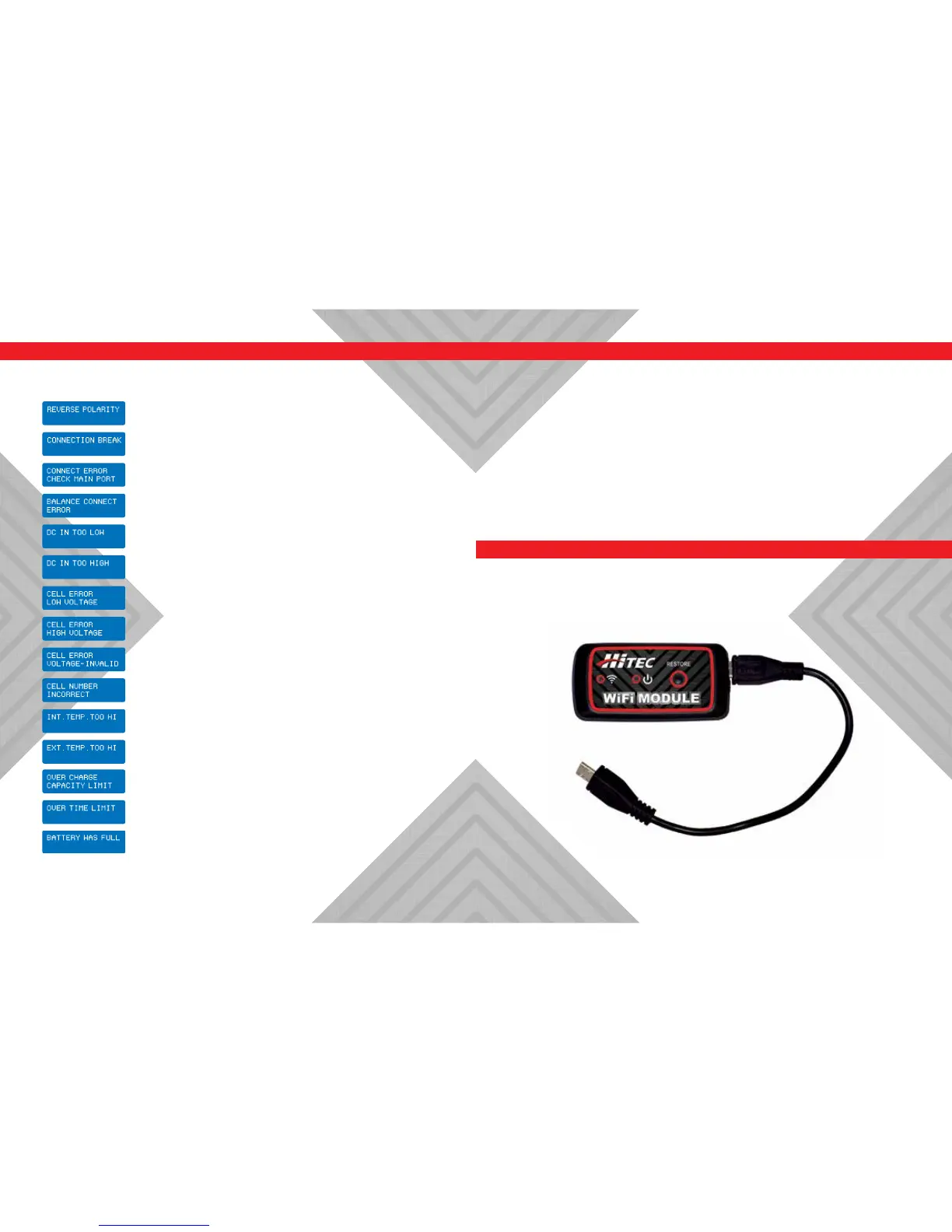
Warning and Error Messages Using the Charge Control Software [Charge Master]
In the case of an error, the screen will communicate the cause of the error and
emit an audible sound.
The battery connection is incorrect.
The balance connect is incorrect.
An incorrect polarity is detected.
The battery has been interrupted.
The input voltage is less than 11V.
The input voltage is higher than 18V.
The Voltage of one cell in the battery pack is too low.
The voltage of one cell in the battery pack is too high.
The voltage of one cell in the battery pack is invalid.
The cell number is wrong.
The internal temperature of the unit is too high.
The external temperature of the battery is too high.
The battery voltage is higher than the maximum voltage set
by the user when charging in balance mode.
The battery capacity is more than the maximum capacity set
by the user.
The charging time is longer than the maximum charging
time set by the user.
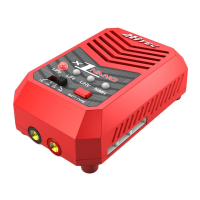
The free “Charge Master” software gives you unparalleled ability to operate the
charger through your computer. You can monitor pack voltage, cell voltage, and
other data during charging, view the charge data in real-time graphs, or control
charging and rmware updates from the “Charge Master.”
In order to connect the charger to a computer and enjoy the benets of the
“Charge Master” program, you will need a USB cable which is not included in this
package. The cable must have an “A” plug on one end and a “micro-B” plug on
the other to connect to the charger directly.
You can control, monitor, operate, and upgrade two channels with one
computer. The “Charge Master” is available for download at www.hitecrcd.com.
Recommended Accessory
WiFi Module: Part #44228



 To Next Page