Communicator Configuration 31 (124)
7 Communicator Configuration
This section is intended to give you detailed information about the tasks you need to perform to
setup a new Communicator configure.
For a more brief overview of the configuration steps, please refer to Configuration Quick Guide, p.
24.
7.1 Connecting the Communicator
Procedure
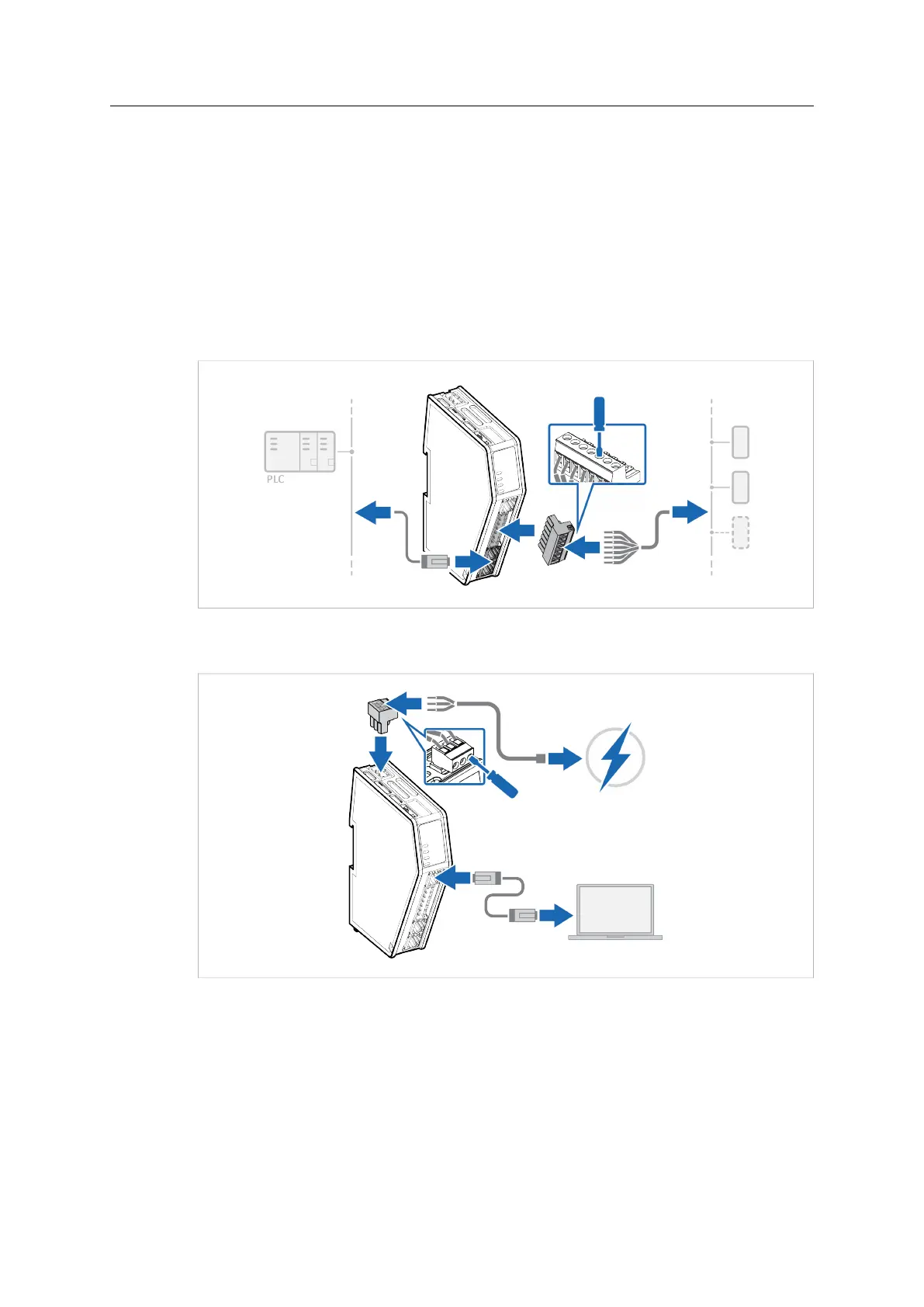
1. Connect the Communicator to the high level network.
2. Connect the Communicator to the subnetwork.
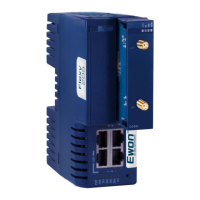
3. Connect an Ethernet cable between the Communicator configuration port and your PC.
4. Connect the Communicator to a power supply.
Anybus
®
Communicator
™
User Manual
SCM-1202-152 1.10 en-US


 To Next Page