© HMS Industrial Networks S.L.U - All rights reserved
This information is subject to change without notice
2.4 Autolearning
Autolearning mode is used to pair the IR control of the Climatize system with the Universal
AC Cloud Control device.
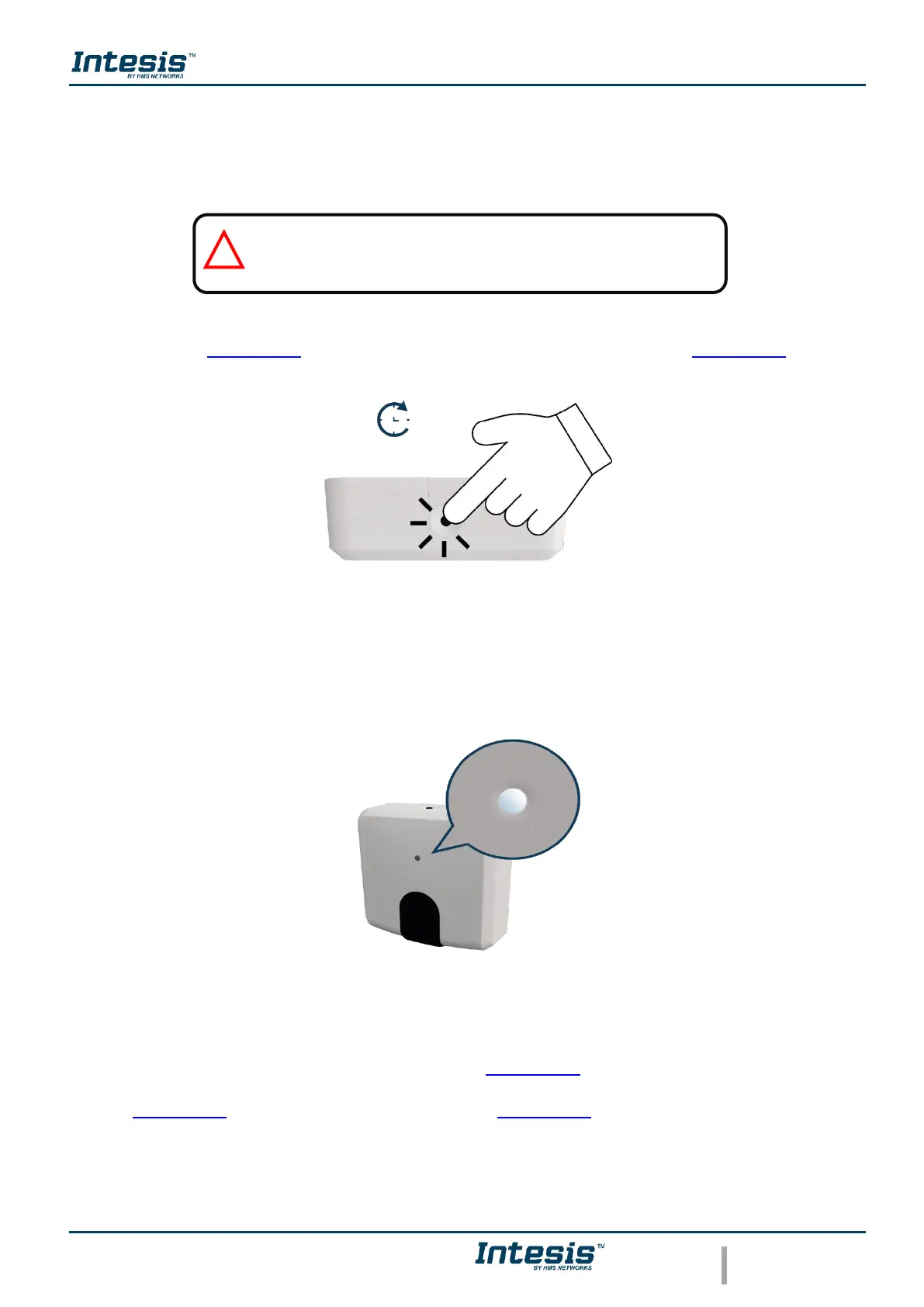
To active the Autolearning mode in the Universal device is needed to hold the button for 4
seconds (See Figure 2.10), the light of the LED will be steady white (See Figure 2.11).
Figure 2.10 Autolearning procedure.
Figure 2.11 Autolearning LED feedback.
Once the light is steady withe, press the on/off button of the IR remote of the air conditioner
machine pointing it to the universal device (See Figure 2.12), the light of it will blink green. If
the Universal device recognized the IR remote successfully the light will turn steady green
(See Figure 2.13). Otherwise, it will turn red (See Figure 2.14).



 To Next Page