© HMS Industrial Networks S.L.U - All rights reserved
This information is subject to change without notice
3. Configuration
Configuration of the AC Cloud Control device must be done through the AC Cloud Control
app.
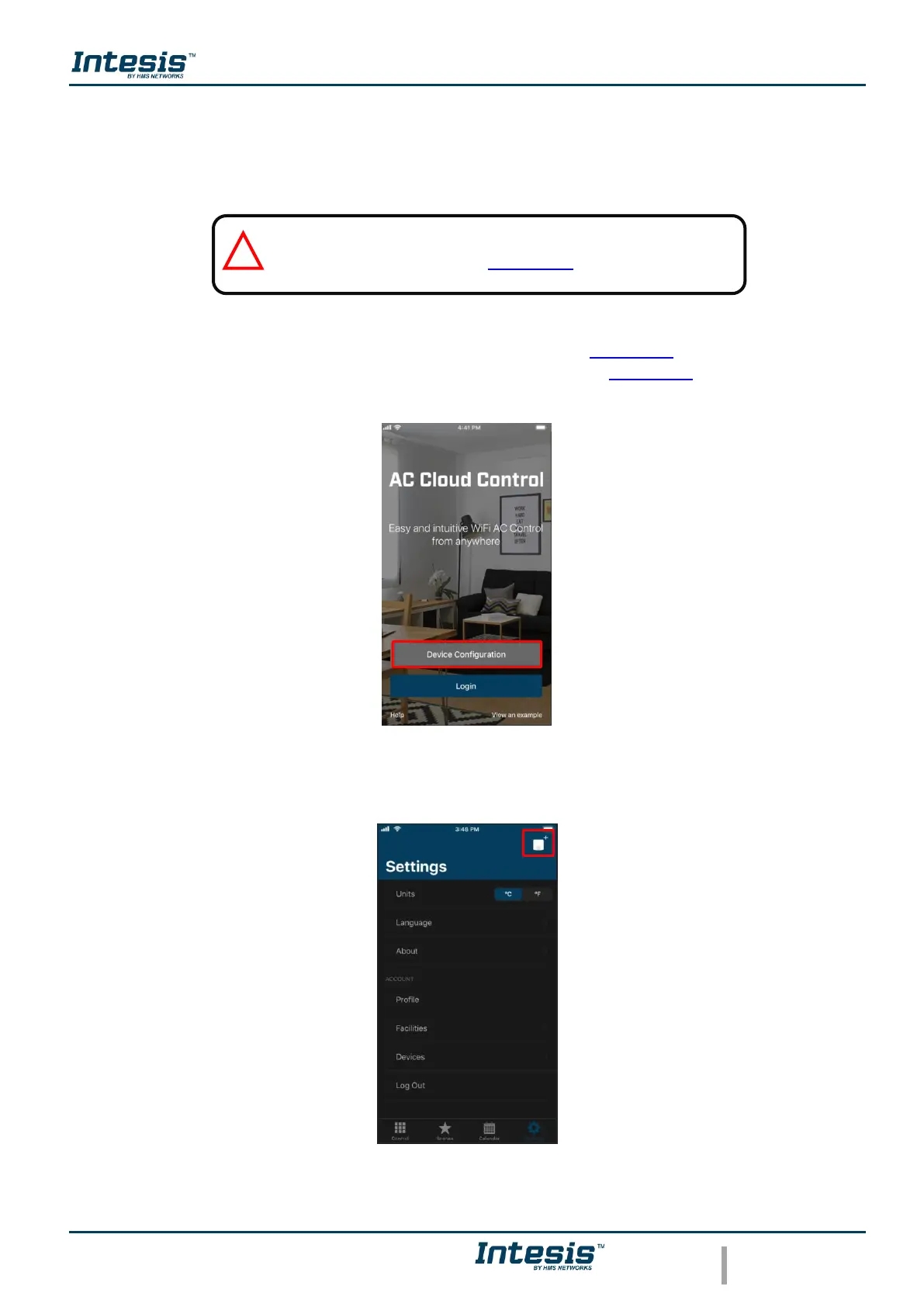
There are 2 ways to realize the procedure
1. Tap on Device configuration in the main page (See Figure 3.1).
2. Login, tapping on settings and in the white square (See Figure 3.2).
Figure 3.1 Access to Configuration network device without login.
Figure 3.2 Access to Configuration network device from settings login.



 To Next Page