© HMS Industrial Networks S.L.U - All rights reserved
This information is subject to change without notice
URL https://www.intesis.com
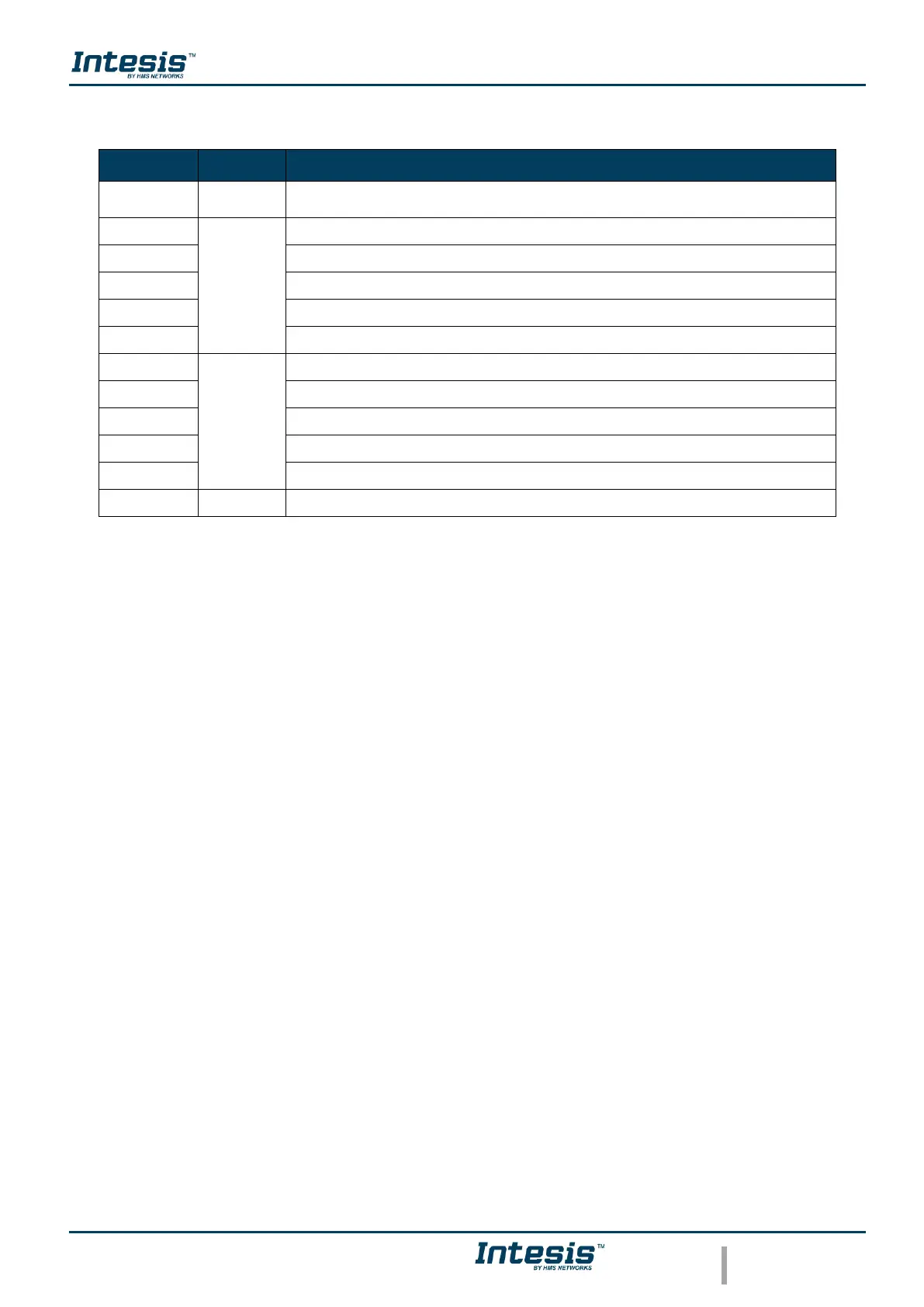
4.3 LED status during working mode
AC Cloud Control device not powered or AC Cloud Control device working,
and the AC unit is Off.
Indoor Unit ON working in Cool or Dry mode
Indoor Unit ON working in Heat mode
Indoor Unit ON working in Fan mode
Indoor Unit ON working in Auto mode
Indoor Unit working in anti-frost mode
Command received or sent during Cool or Dry mode
Command received or sent during Heat mode
Command received or sent during Fan mode
Command received or sent during Auto mode
Command sent during anti-frost mode
AC Cloud Control device trying to connect to the Internet



 To Previous Page