© HMS Industrial Networks S.L.U - All rights reserved
This information is subject to change without notice
2.3 Change Wi-Fi channel
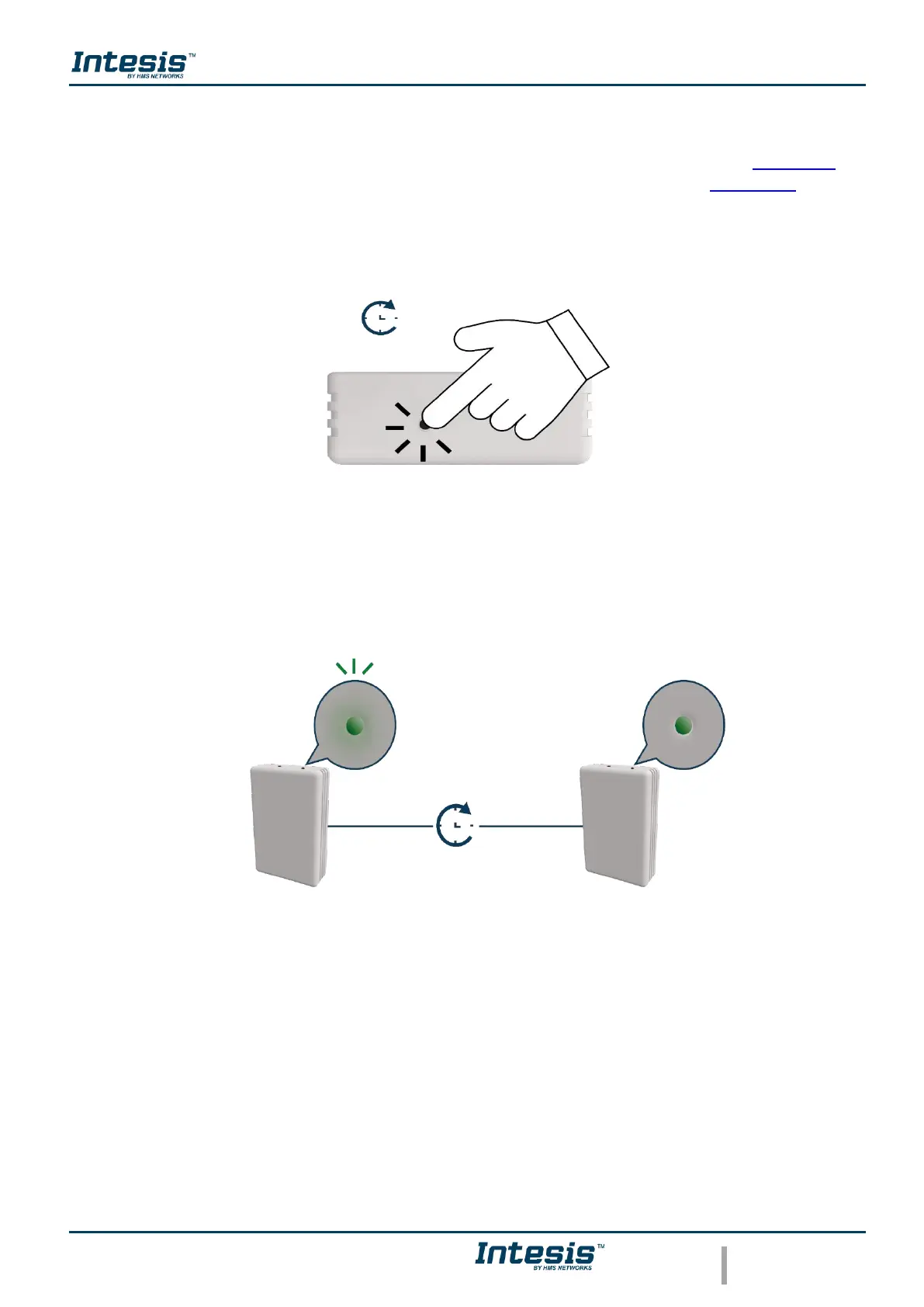
Holding the button for 2 seconds to change the channel of the Wi-Fi network (See Figure 2.8),
the light of the LED will blink in green and it will turn steady green (See Figure 2.9). The
process can be repeated until reach the channel wanted.
Figure 2.8 Change Wi-Fi channel procedure.
Figure 2.9 Change Wi-Fi channel LED feedback.



 To Next Page